63
MO-C1 Training
Slide 63
Installing the 2
nd
Roll Unit - 3
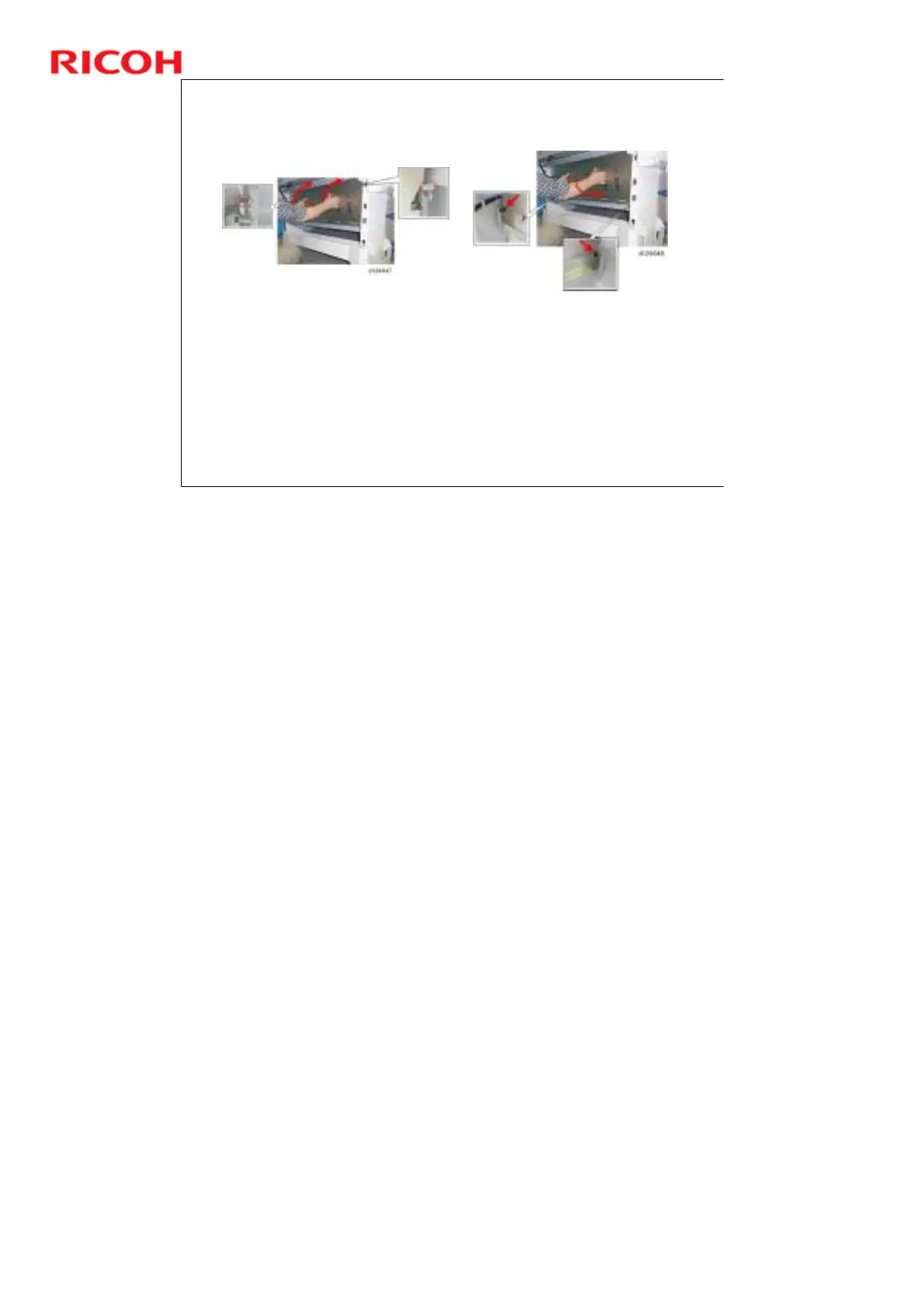
Behind and under the machine, hold the guide plate as shown
(above left). Then, at the top, set the cut-outs in the left and right
over the pegs.
Lift the guide slightly, and then insert the bottom pegs into the
cut-outs at the lower left and lower right corners.
Check each corner of the plate to be sure that each peg is
installed properly in its cut-out.
Make sure that you know how to do this because it is a bit tricky.
No additional notes



 To Next Page