79
MO-C1 Training
Slide 79
Setting a Paper Roll - 2
Before you install the roll, do Paper Type Selection at the
operation panel. Select a paper type for each paper feed station.
User Tool > System Settings > Tray Paper Setting > Next > Paper
Type: Tray n
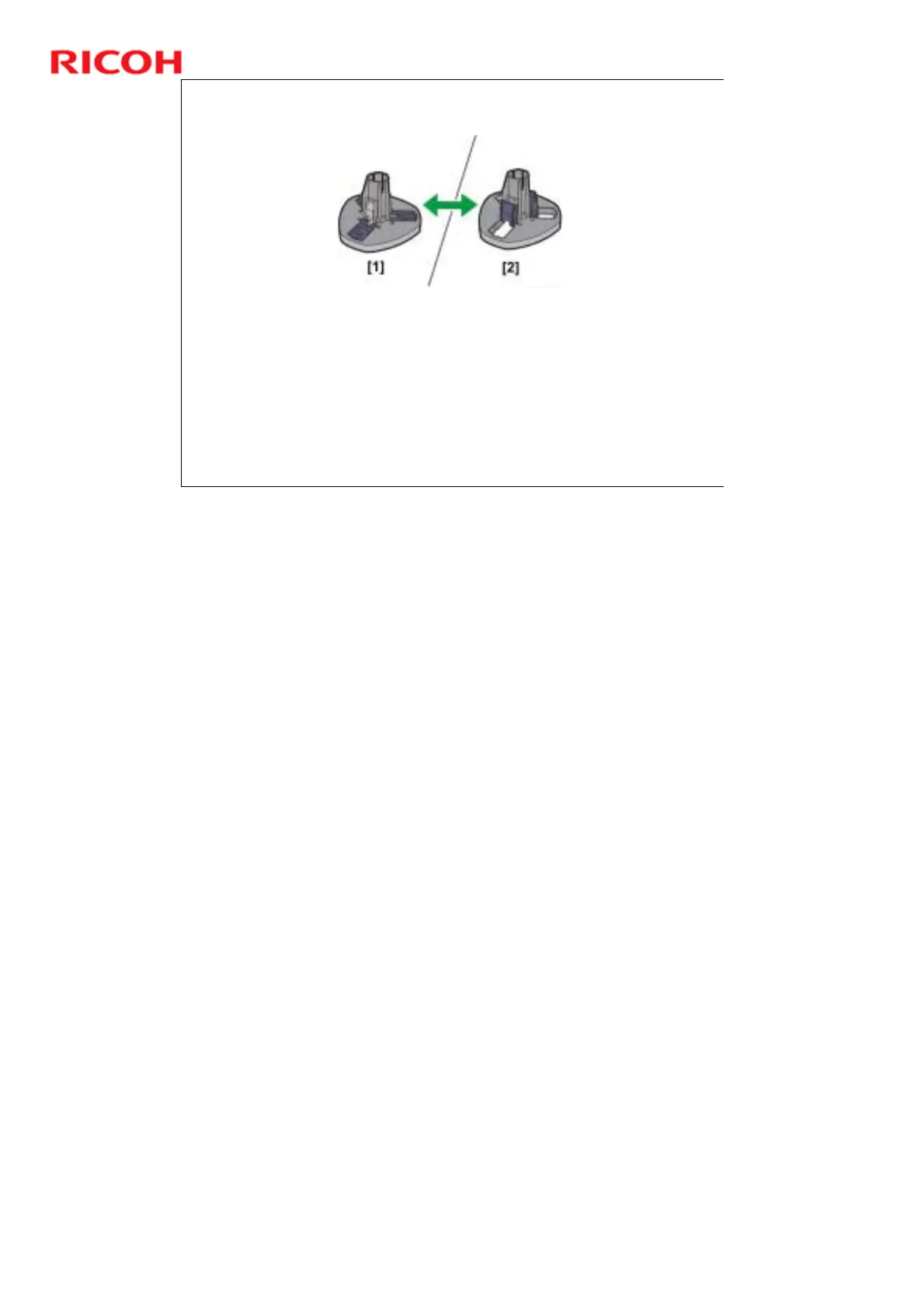
Set the stopper for the size of the roll core of the paper roll.
Both stoppers must be set identically.
For a 2-in. core, lower the levers [1] of both stoppers so that they
are flat.
For a 3-in. core, raise the levers [2] of both stoppers.
Paper size is detected automatically by the machine by the DRESS sensor, as
will be explained later.



 To Next Page