84
MO-C1 Training
Slide 84
Removing a Roll - 1
You need to rewind the roll before removing it for temporary
storage or swapping it for another roll.
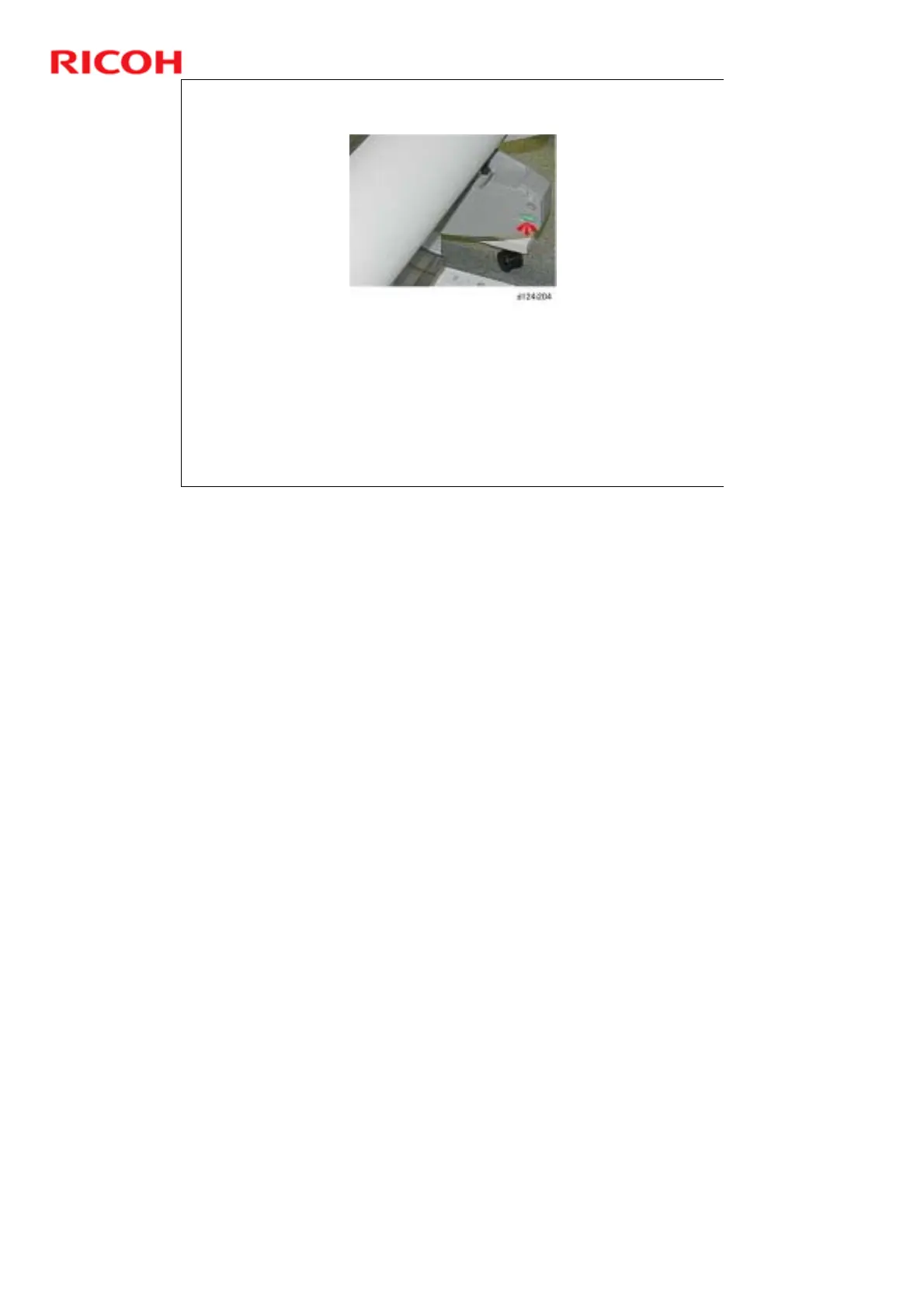
Press and hold the rewind button on the right side for 2 seconds or
more.
The roll will reverse feed out of the machine onto the roll.
The paper rolls installed in the machine are not enclosed and
remain exposed to ambient temperature and humidity.
If the machine has remained idle for a long time, before you use
the machine it is recommended that your rewind the roll, cut off
the equivalent of two full roll rotations, and then reload the paper.
If the paper leading edge is at the print waiting position, 2 seconds should be
long enough. However, if the paper leading edge is at the registration roller, you
may have to press the rewind button one more time.



 To Next Page