86
MO-C1 Training
Slide 86
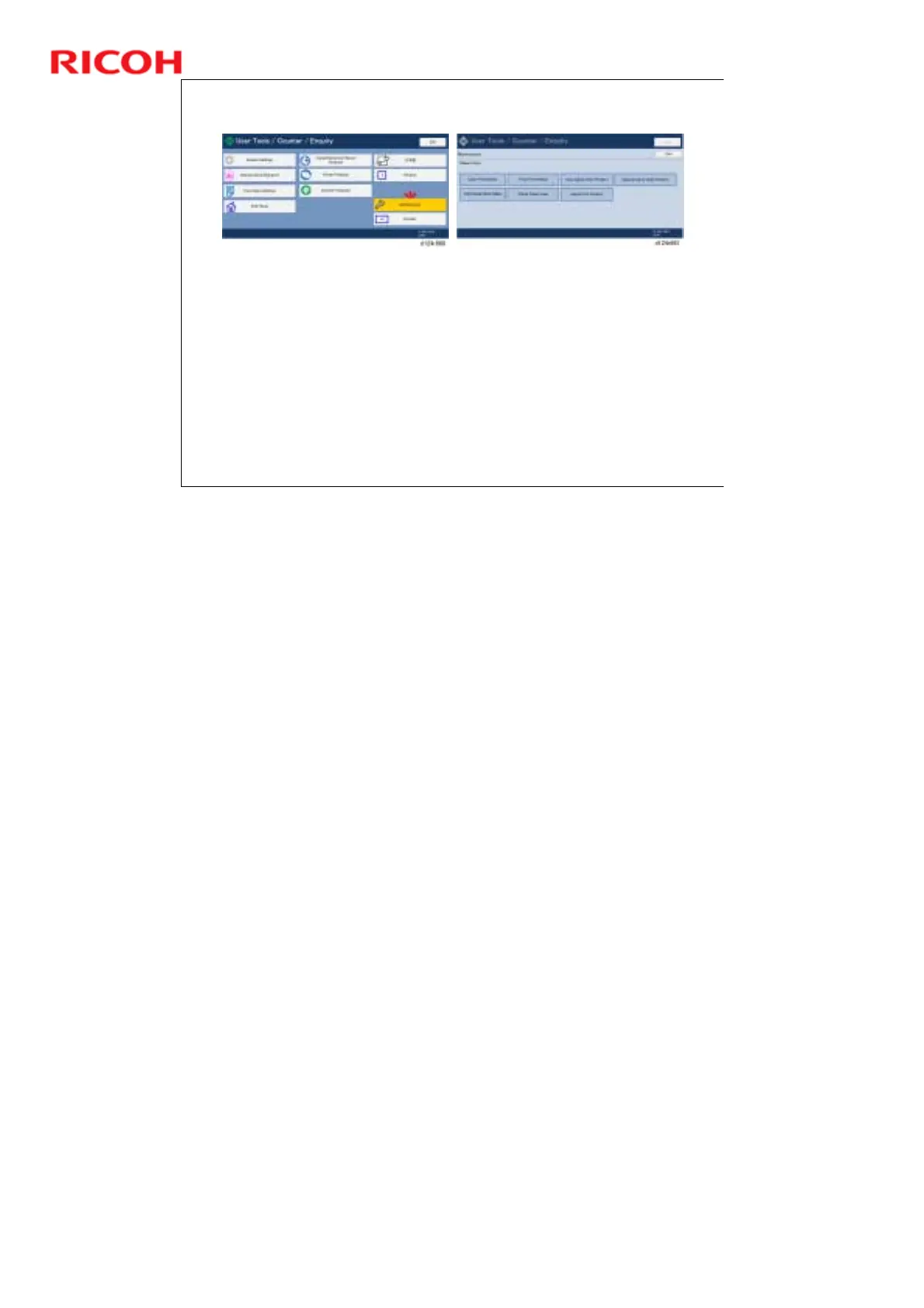
User Tools – Maintenance Menu
In the User Tools, select Maintenance.
You will use some of the tools shown above (on the right)
to print the test pattern and adjust the machine.
Print Nozzle Check Pattern: Prints the test pattern
Clean Print Heads, Flush Print Head: You need to use
these if the test pattern output is not perfect.
Replacement and Adjustment > Print Head Cleaning and
Adjustment



 To Next Page