87
MO-C1 Training
Slide 87
Printing the Nozzle Check Pattern - 1
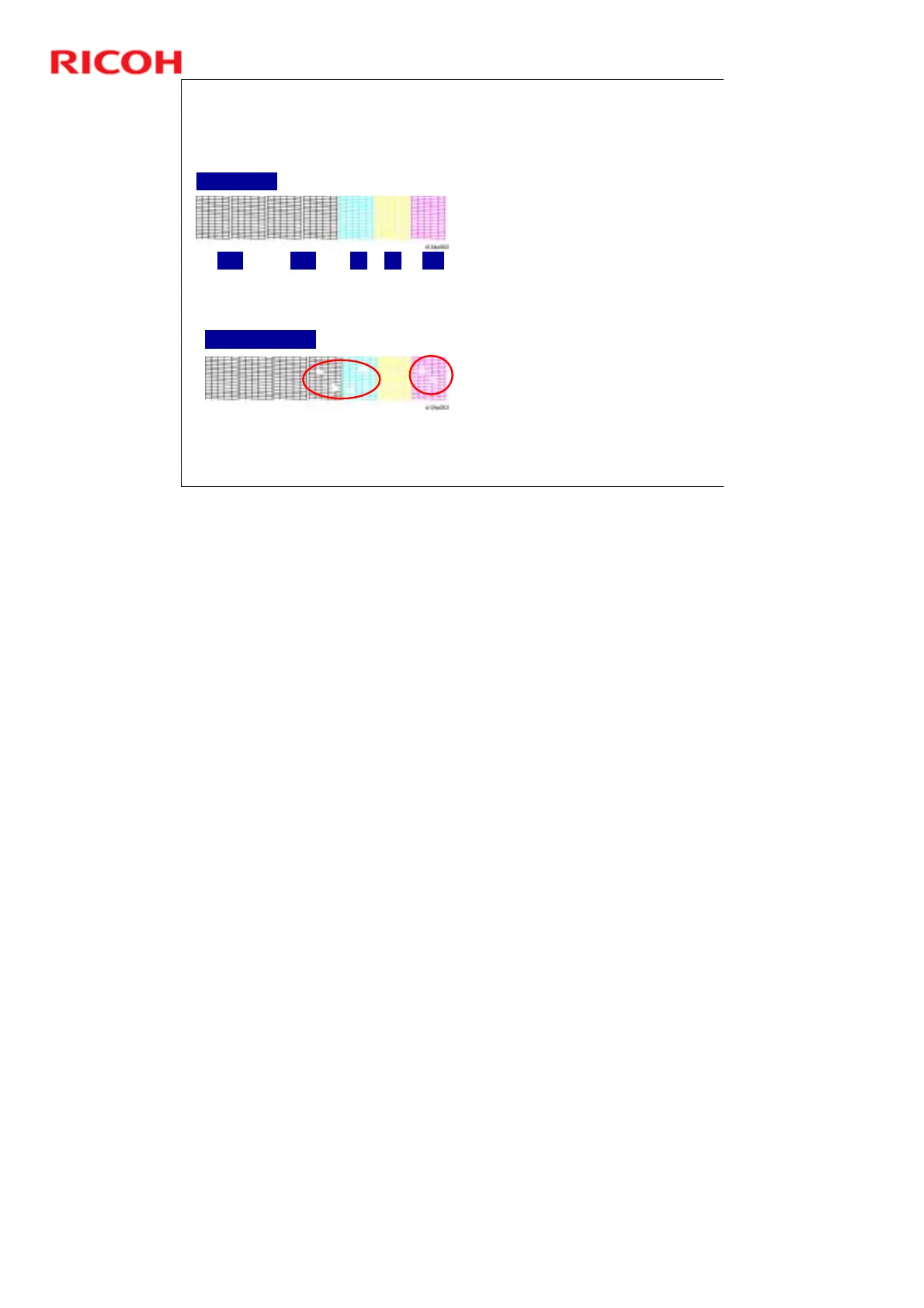
The Nozzle Check Pattern
ensures that the print heads
are operating normally.
1. Press [User Tools] on the
operation panel.
2. Touch [Maintenance] and
then select "Print Nozzle
Check Pattern".
3. Follow the prompts to start
printing the pattern.
4. Use a loupe or magnifying
glass to check the condition
of the pattern.
If the pattern shows no
broken lines, the machine
is ready for operation.
If any of the lines are
broken, identify the
patterns where the broken
lines exist, and then clean
the print heads.
No Problems
Cleaning Required
K1 K2 C Y M
No additional notes



 To Next Page