91
MO-C1 Training
Slide 91
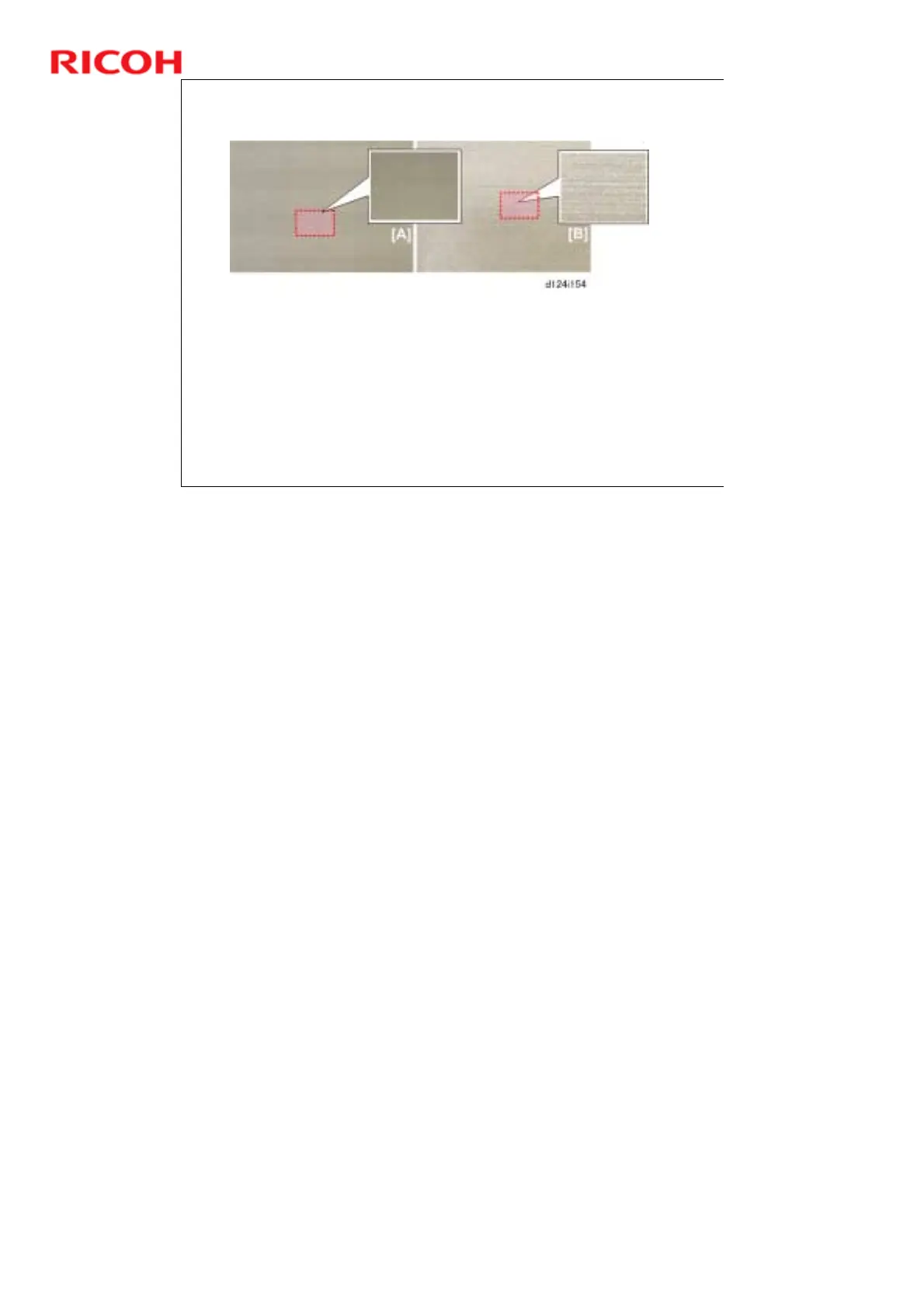
Halftone Check
Leftover primer fluid can cause streaking in halftone areas. Do this check to confirm
that all of the primer fluid has been drained from the from the ink sub tanks and ink
supply tubes.
User Tools > Printer Features > List/Test Prints > [Color Sample].
The color sample may require a minute or so to finish printing.
Check some of the blocks on the printout
If the pattern is like [A], no adjustment is necessary.
If the pattern is streaked with light streaks [B], primer fluid did not drain completely.
If you detect streaking, flush the print head of the color where you see the problem.
User Tools > Maintenance > Flush Print-heads: Do it 3 times.
No additional notes



 To Next Page