94
MO-C1 Training
Slide 94
Manual Adjust Head Position - 2
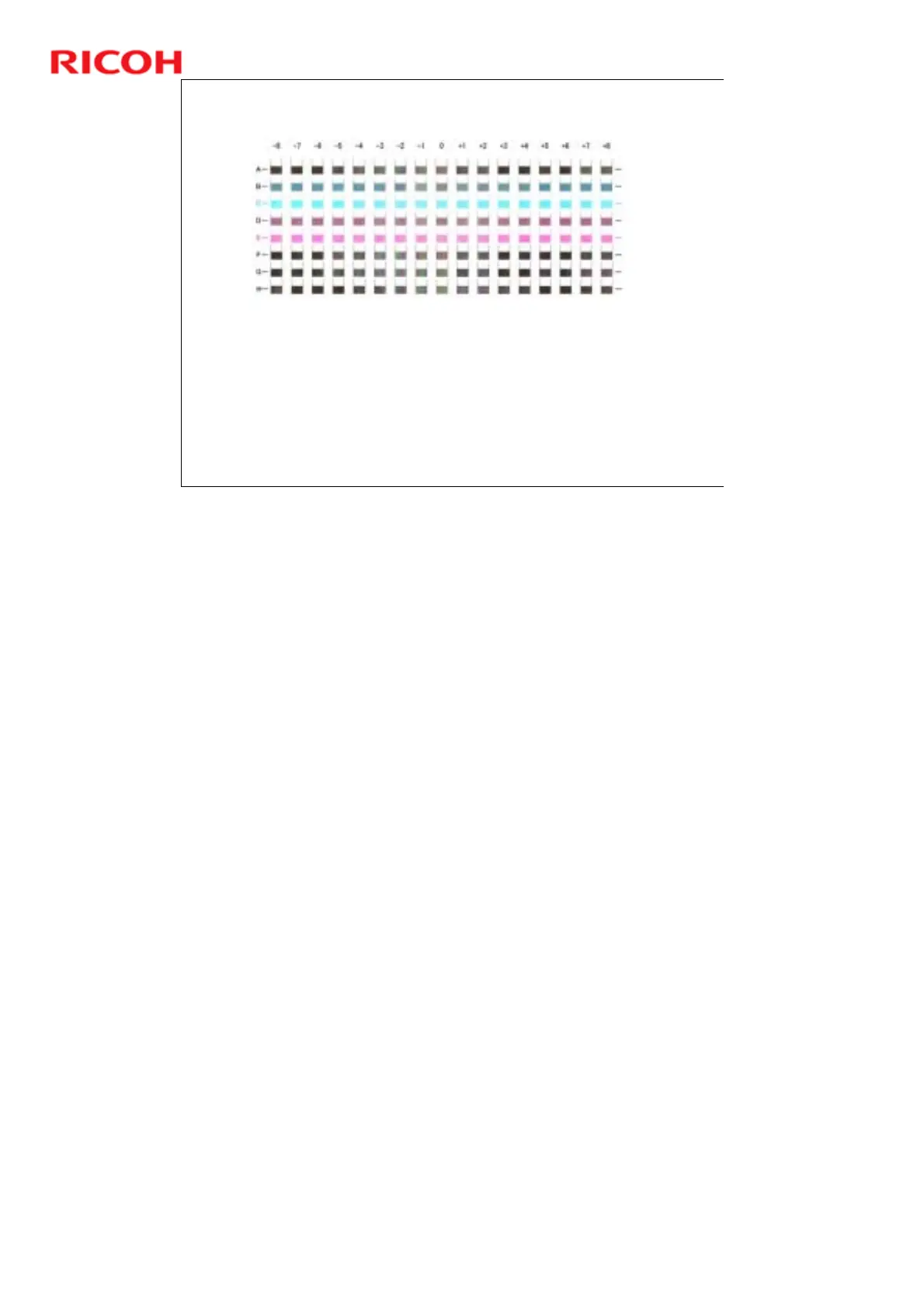
Look at the test pattern.
In each row (A to H), Identify the number of the column
where the square is faintest, or select the square where the
internal lines overlap to form a solid color.
The number above the square is the adjustment value.
If you still cannot determine the adjustment value, select the
square that is between the straightest vertical lines.
No additional notes



 To Next Page