95
MO-C1 Training
Slide 95
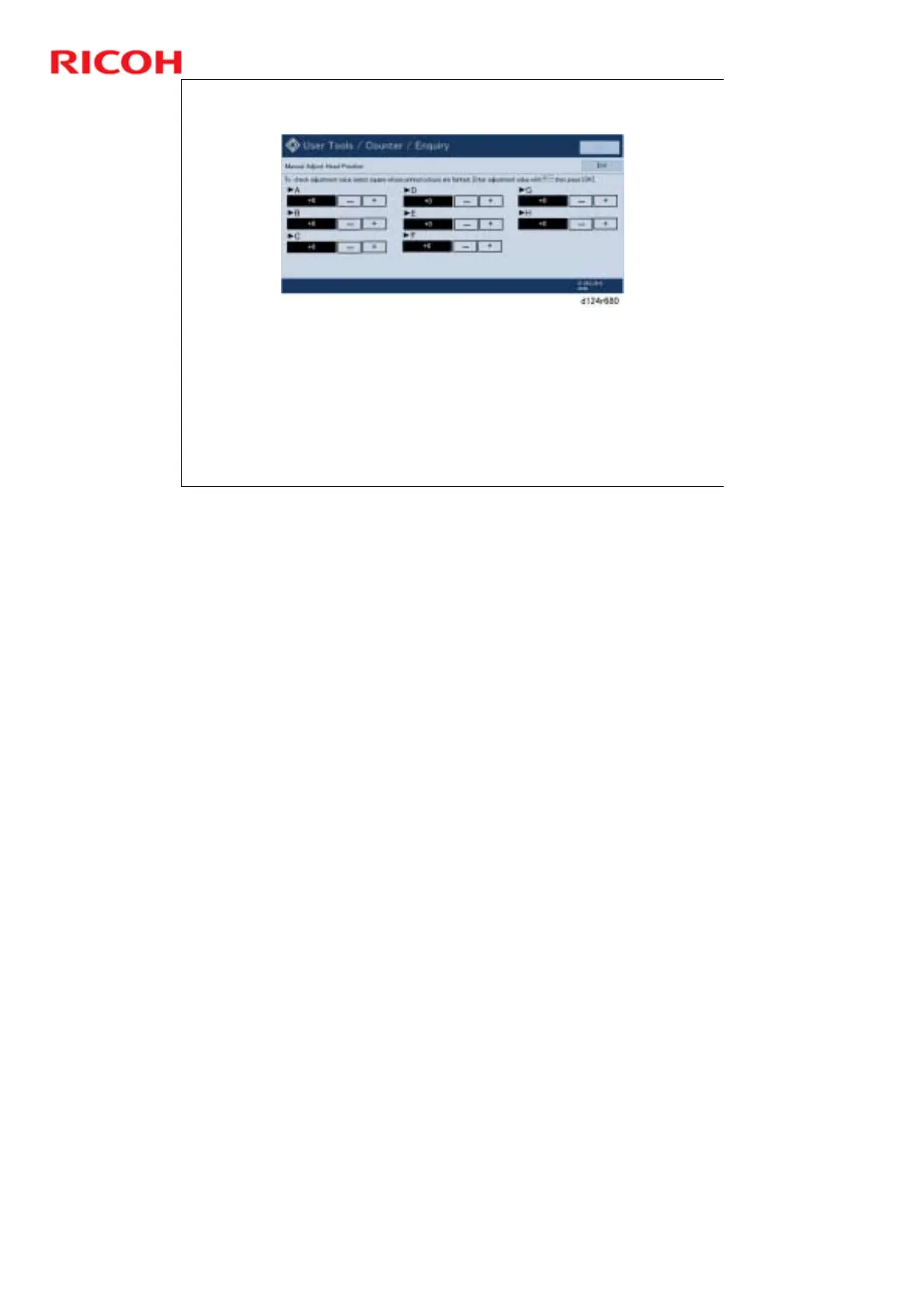
Manual Adjust Head Position - 3
Touch [Adjustment].
Input a value for each row.
Use the + and – buttons.
Print another test pattern to make sure that the adjustment is
correct.
The numbers that you just entered must correspond to the
condition of the patches on the new test chart, as explained on the
previous slide.
No additional notes



 To Next Page