EasyManua.ls Logo

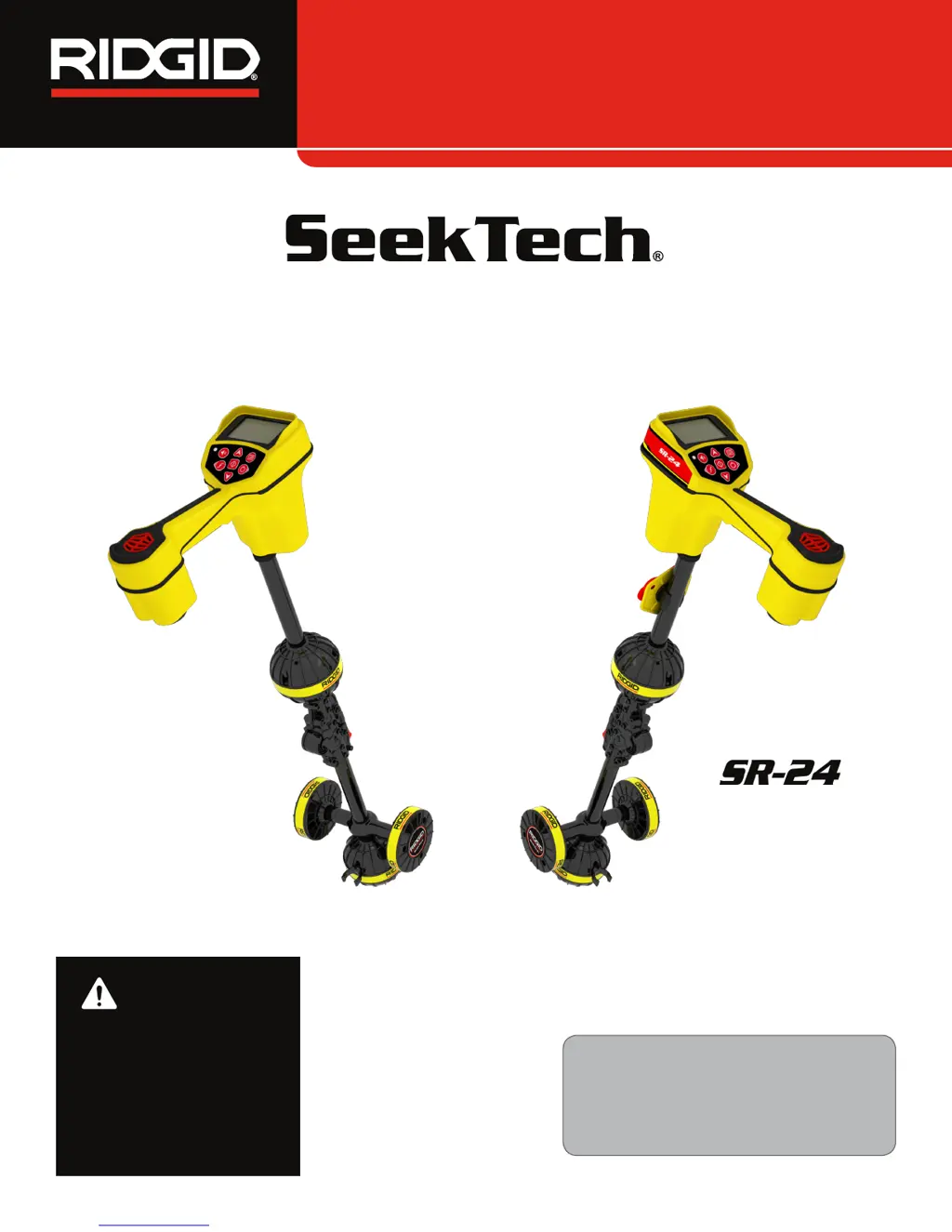
RIDGID SeekTech SR-20 - User Manual

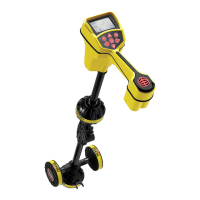
RIDGID SeekTech SR-20
64 pages
Print Icon
To Next Page IconTo Next Page
Loading...
Operators Manual
SR-24 is used to refer to both the SR-24
and the SR-20 throughout this manual. The
SR-24 has integrated GPS and Bluetooth
®
technology. The SR-20 does not, but is oth-
erwise functionally identical.
SR
Locators
Original Instructions – English – 1
WARNING!
Read this Operator’s Man-
ual carefully before using
this tool. Failure to under-
stand and follow the con-
tents of this manual may
result in electrical shock,
fire, and/or serious per-
sonal injury.
SR-20
SeekTech

Other manuals for RIDGID SeekTech SR-20

Questions and Answers

  • B
    Brittany ChoiAug 14, 2025
    Why are lines jumping all over the screen while tracing with RIDGID Camera Accessories?
    • W
      woodjoshuaAug 14, 2025
      If lines are 'jumping' all over the screen while tracing, it could be due to the SR-20 not picking up the signal or interference. To resolve this: * Ensure the transmitter is well connected and grounded. Point the SR-20 at either lead to confirm a complete circuit. * Try a higher frequency. * Connect to a different point in the line. * Switch to inductive mode. * Identify and eliminate any noise sources (e.g., bonded grounding). * Ensure SR-20 batteries are fresh and fully charged.
  • C
    Christopher LaneAug 17, 2025
    What to do if RIDGID SR-20 locks up during use?
    • M
      mark77Aug 17, 2025
      If the SR-20 locks up during use, power the unit off, and then back on. If the unit will not switch off, remove the batteries. If the batteries are low, replace them.
  • W
    william14Aug 20, 2025
    Why are lines jumping all over the screen when locating a Sonde with RIDGID Camera Accessories?
    • B
      Brenda GouldAug 21, 2025
      If lines are 'jumping' all over the screen while locating a Sonde, consider the following: * Check the batteries in the Sonde to ensure they are working. * The Sonde may be too far away; try starting closer or perform an area search. * Verify the signal by placing the lower antenna close to the Sonde. * If using cast iron or ductile iron lines, increase the Proximity Threshold and try lower settings of Signal Focus Control to improve focus on weaker signals.
  • M
    Michael JohnsonAug 25, 2025
    What to do if RIDGID SR-20 will not pick up the signal?
    • R
      rothstephenAug 25, 2025
      If the SR-20 is not picking up a signal, check that the correct mode and frequency are set. Examine the circuit for possible improvements. Relocate the transmitter, change the grounding or frequency. You can also modify the Proximity Threshold and/or Signal Focus Control settings.
  • A
    Arthur HernandezAug 27, 2025
    What to do if RIDGID Camera Accessories unit acts erratic and won’t power down?
    • J
      James PenaAug 27, 2025
      If the unit acts erratic and won’t power down, replace the batteries with fresh ones and power it on.
  • C
    Cassandra HarrisonAug 30, 2025
    What to do if RIDGID Camera Accessories display appears dark or light when turned on?
    • K
      Krystal BowenAug 31, 2025
      If the display appears completely dark or completely light when turned on, power the unit off and then back on. If that doesn't work, adjust the LCD screen contrast.
  • J
    Jennifer BallardSep 3, 2025
    How to troubleshoot no sound on RIDGID Camera Accessories?
    • V
      Victor JacksonSep 3, 2025
      If there is no sound, adjust the sound level in the sound menu. Also, verify the Proximity Signal is greater than zero.
  • S
    Sandra BrockSep 6, 2025
    How to fix RIDGID SR-20 that will not power on?
    • Y
      ymaldonadoSep 6, 2025
      If the SR-20 will not power on, check the orientation of the batteries and ensure they are charged. Also, check that the battery contacts are in good condition. The unit may have blown a fuse, requiring factory service.
  • E
    elizabeth26Sep 9, 2025
    Why is the distance between Sonde and either Pole not equal with RIDGID Camera Accessories?
    • E
      Erica WhiteSep 9, 2025
      The Sonde may be tilted or there may be a cast-iron-to-plastic transition.

Summary

Safety Symbols

General Safety Rules

Work Area Safety

Guidelines for maintaining a safe work environment, avoiding hazards, and keeping others clear.

Electrical Safety

Precautions regarding contact with grounded surfaces and wet conditions to prevent shock.

Personal Safety

Advice on staying alert, using PPE, maintaining balance, and proper dress.

Equipment Use and Care

Pre-Operation Inspection

Specific Safety Information

SR-24;SR-20 Safety

Specific safety precautions for using the SR-24/SR-20 receivers.

System Overview

Specifications

Operating Instructions

Quick Start

Basic steps to set up and begin using the SR-24 receiver.

Powering the System

Receiver Operation Modes

Line Trace Mode

Details on Active and Passive Line Tracing, including frequency ranges.

Sonde Mode

Display Elements

Sonde Mode Display

Understanding the Display

Active Line Tracing

Direct Connect

Procedure for energizing a target line via direct connection.

Inductive Clamp

Procedure for using an inductive clamp to energize a target line.

Induction and Air-Coupling

Testing for Air-Coupling

Methods to test for and identify air-coupling interference.

Tracing the Target Line

Confirming Accuracy

Passive Line Tracing

OmniSeek

Confirming Accuracy

Criteria to confirm the accuracy of a locate in OmniSeek mode.

Sonde Locating

Locating the Sonde

Steps to find a Sonde by its strongest signal point.

Depth

Depth Verification Test

Procedure to verify the SR-24 is measuring depth accurately.

Improving and Confirming Accuracy

Factors Affecting Accuracy

Discusses distortion, bleed over, soil conditions, and signal strength.

Signal Strength

Setting the Frequency

Selecting Active Frequencies

Methods for changing or selecting active frequencies on the SR-24.

Bluetooth

Bluetooth Connection Method

Steps to connect the SR-24 to a Bluetooth device.

Alternate Bluetooth Connection Method

Initiating Bluetooth connection from the SR-24's Main Menu.

Disconnecting Bluetooth

Connecting to a Transmitter with Bluetooth

Transmitter Control Screen

Direct Connect Mode and Inductive Mode

SD Card

Data Logging

Custom Frequencies

IO Menu

SR-24 GPS

Customizing Display Elements

Proximity Number and Threshold

Information Options

Maintenance and Support

Service and Repair

Troubleshooting

RIDGID SeekTech SR-20 Specifications

General IconGeneral
BrandRIDGID
ModelSeekTech SR-20
CategorySecurity Sensors
LanguageEnglish

Related product manuals