AARIA
57
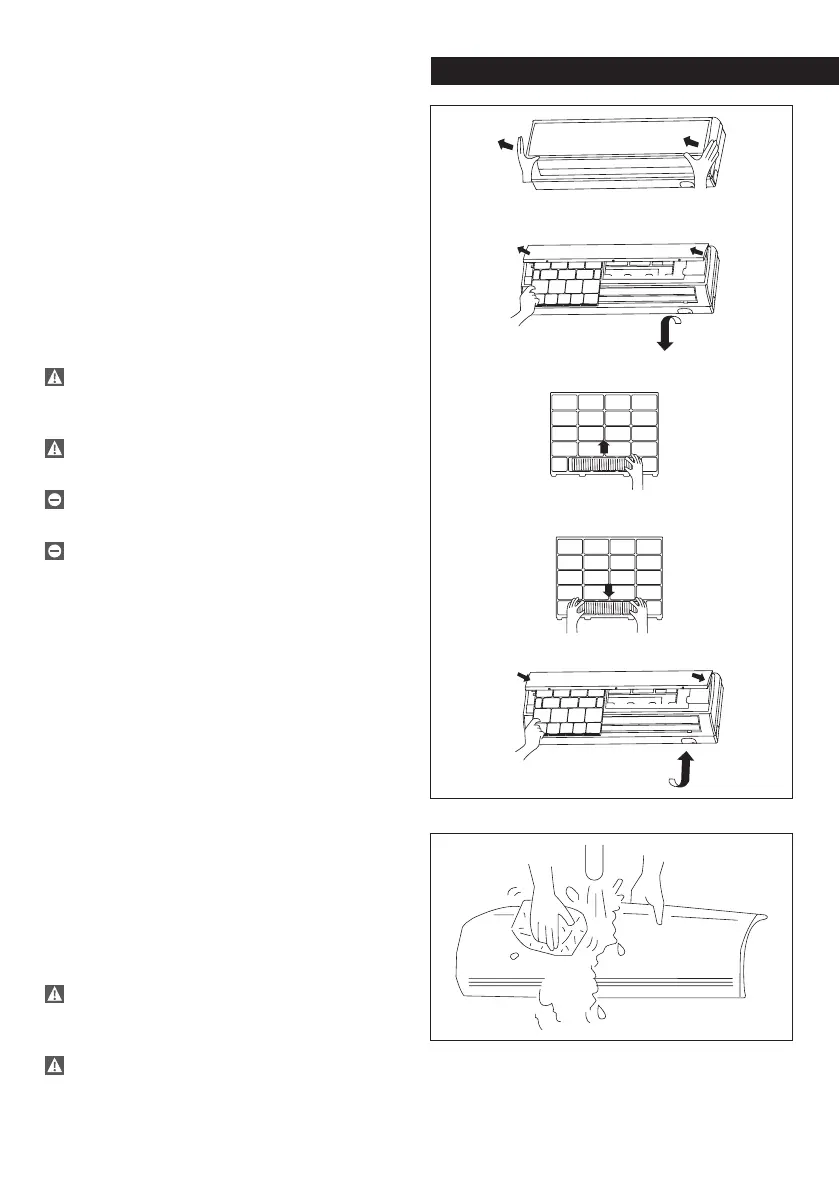
Air purifying filters
AMW - AMW Q
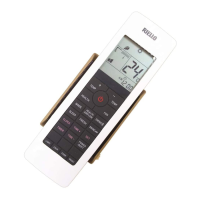
Turn off the unit from the remote control,
pressing the on-off button.
Position the system’s main switch in the
“off” position.
Raise the front panel.
Remove the mesh filters.
Remove the air purifying filters.
Remove dirt using a vacuum cleaner.
If badly soiled, wash it with lukewarm
water (max. 40°C) and a neutral detergent;
rinse well and let it dry in the shadow.
The installation of the air purifying filters
reduces the air flow and, consequently, the
cooling and heating efficiency.
Clean the air purifying filters every 30 days of
use.
It is recommended to change the air purifying
filters after twenty cleaning operations.
Do not open the access covers and carry
out technical or cleaning activities before
disconnecting the unit from the power grid
by positioning the system’s main switch in the
“off” position.
Front panel
AMW - AMW Q
Turn off the unit from the remote control,
pressing the on-off button.
Position the system’s main switch in the
“off” position.
Remove the front panel.
Raise the front panel completely.
Press the right hinge carefully until the pin
comes out of its seat.
Wash with water and soap, using a sponge
or soft cloth.
After washing, dry the surfaces carefully.
In order to reposition, proceed in the
reverse direction.
Do not use water hotter than 40°C, cleaning
powders, abrasive detergents, solvents or
brushes.
Do not open the access covers and carry
out technical or cleaning activities before


 To Next Page