Fig. 10.3 Tools Menu
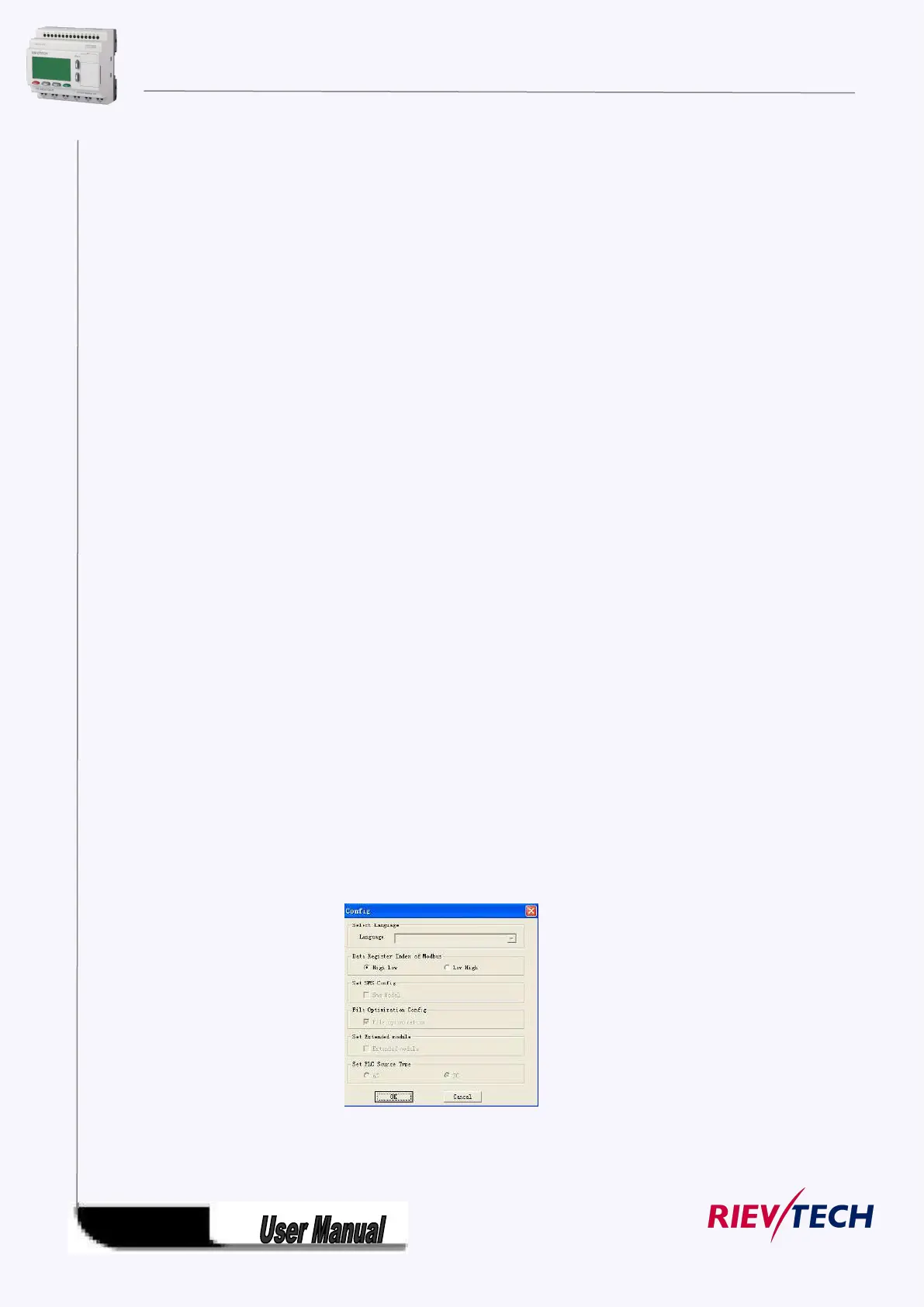
※ Configuration: Select and open the Com port.
※ Disconnect Line: Cancel the connection of PC and xLogic.
※ Transfer: Transfer the following data between PC and xLogic.
PC-> PLC: Download the program to xLogic
PLC->PC: Upload the program from xLogic.
Password set: Set Password protection to xLogic
Get PLC Version: Get the current xLogic hardware version
Set Clock: Set RTC for xLogic
Get Clock: Get RTC from xLogic
Get Communication Type: Get current communication type
Set Communication Type: Set communication type for current xLogic
Set PLC’s address: Set the current xLogic address
Get PLC’s address: Get the address of current xLogic
Get PLC’s scan time: Get the scan period of the xLogic for current program
Summer time/Winter time: Activate/disable the conversion of the summer/ winter time
Set Extended module: Activate/disable the expansion port of xLogic (Only applied to
Standard ELC-12 series CPU)
※Simulation: simulate the xLogic program.
※ Select Hardware: Select the model of xLogic for programming.
※ Edit Cover HMI: Customers are allowed to edit the first page of the HMI by this menu.
※ User manger: File management, program can be protected with different priorities.
※ Set monit config: select elements for monitoring or saving with Excel file.
5.8.1.4 SMS
※ Set Modbus config : Change the MODBUS data format based on the device which will communicate
with xLogic.



 To Next Page