·Francais
·Italiano
·Espanol
6.5.1 How to enable the webserver?
(1)Open Xlogic software,choose ELC-12DC-DA-R-N model and connect xlogicsoft to PLC,you can use
serial port or network port to connect PLC.
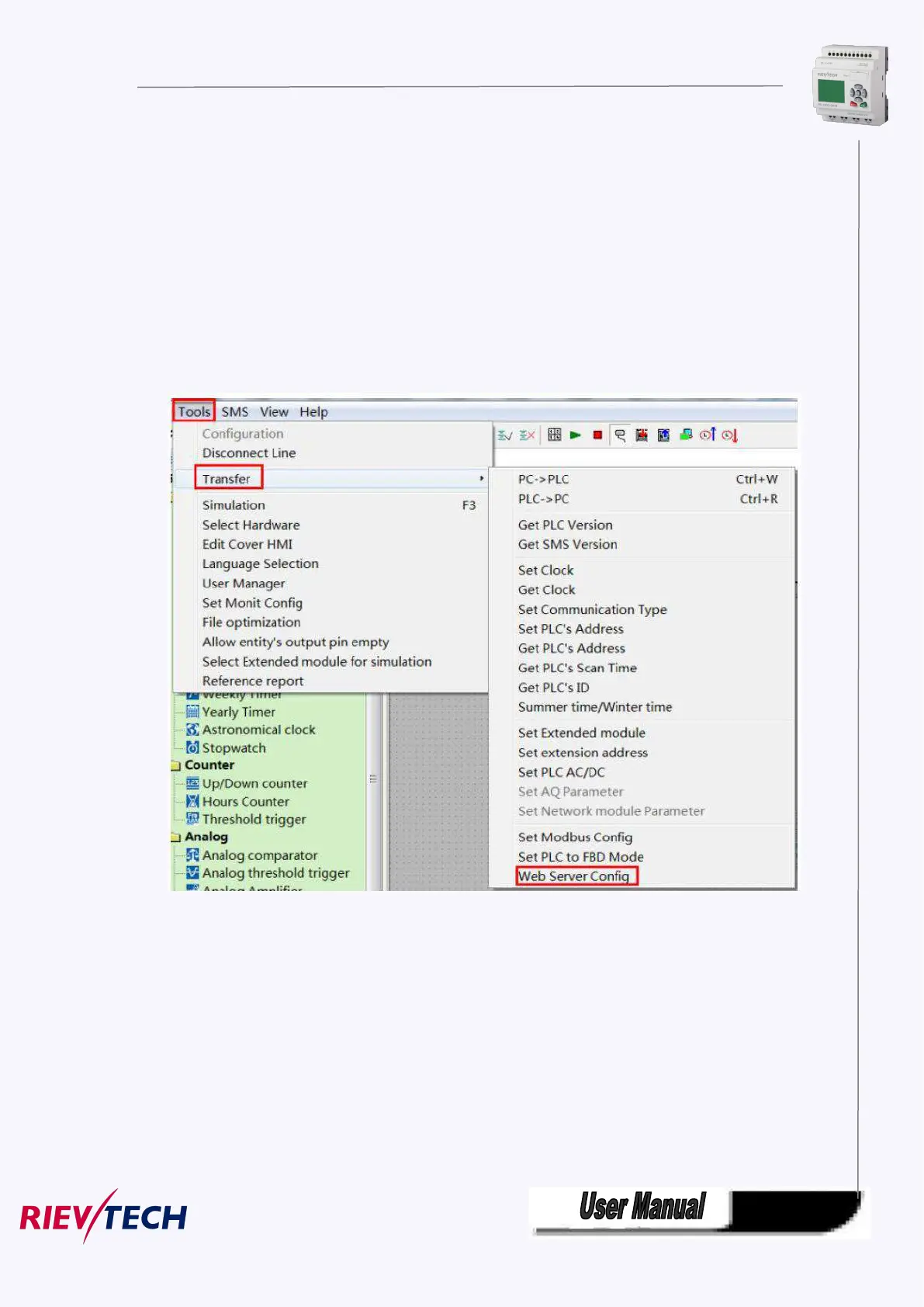
(2)Tools-->Transfer-->Web Server Config
(3)Click Read button to read web server configure.
The default configuration is as follows:



 To Next Page