USING THE HEADPHONES
1) Turn on your device.
2) Turn on the transmitter by sliding the power switch on the rear of the device to
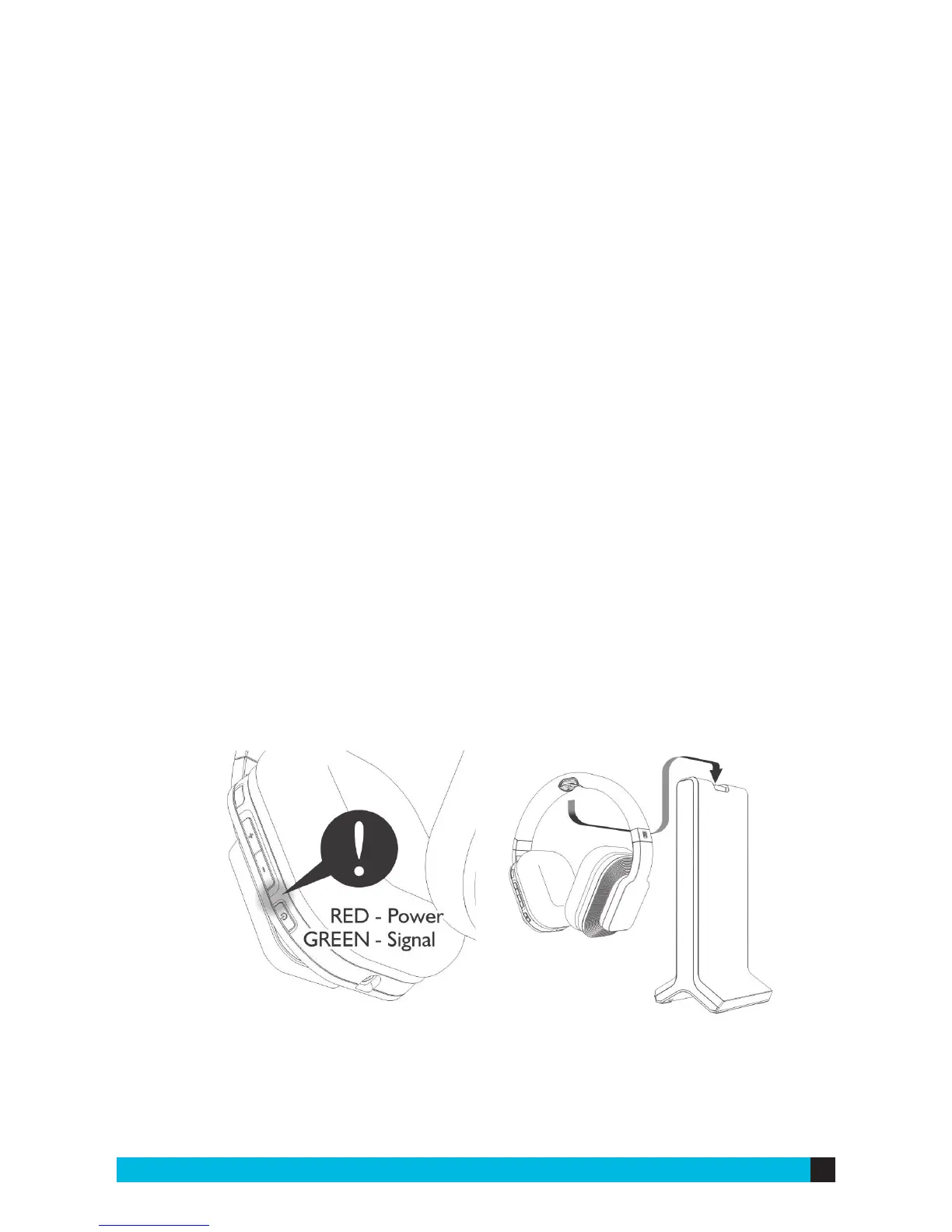
“ON”. The Power LED light will flash blue for several seconds, then glow steadily.
3) Turn on the headphones by pressing and holding the power button for a couple
seconds. The LED will light red, and then change to green when the audio signal
has been linked between the transmitter and the headphones. If no signal is
detected, it will flash red only.
4) Adjust the volume on the headphones to the desired level.
5) When you are not using the headphones, turn them o and place them on the
base to charge.
6) If the batteries need to be charged during use, the LED will blink red and there
will be a beep every minute.


 To Next Page