CONNECTING TO A TV / CABLE BOX / DVD PLAYER
1) Position the ATT switch to “0dB”.
2) Determine what plugs you are working with.
3) If your device has analog audio output (red and white plugs for audio out), you’ll
need a Male to Male RCA cable, which is not included. Connect it to the transmitter
and the audio out on the device. You can find a 6 ft 2 RCA Plug M/M Cable on
www.monoprice.com.
4) If your device is digital output only (Optical Audio Output, only found in newer
televisions) you will need to purchase a digital to analog audio converter, which
you can buy online or in stores at Best Buy.
MP3 PLAYER / PORTABLE AUDIO DEVICE:
1) Switch the ATT on the base to -8dB.
2) Connect included RCA cable to the back of the transmitter and the other end to
your device.
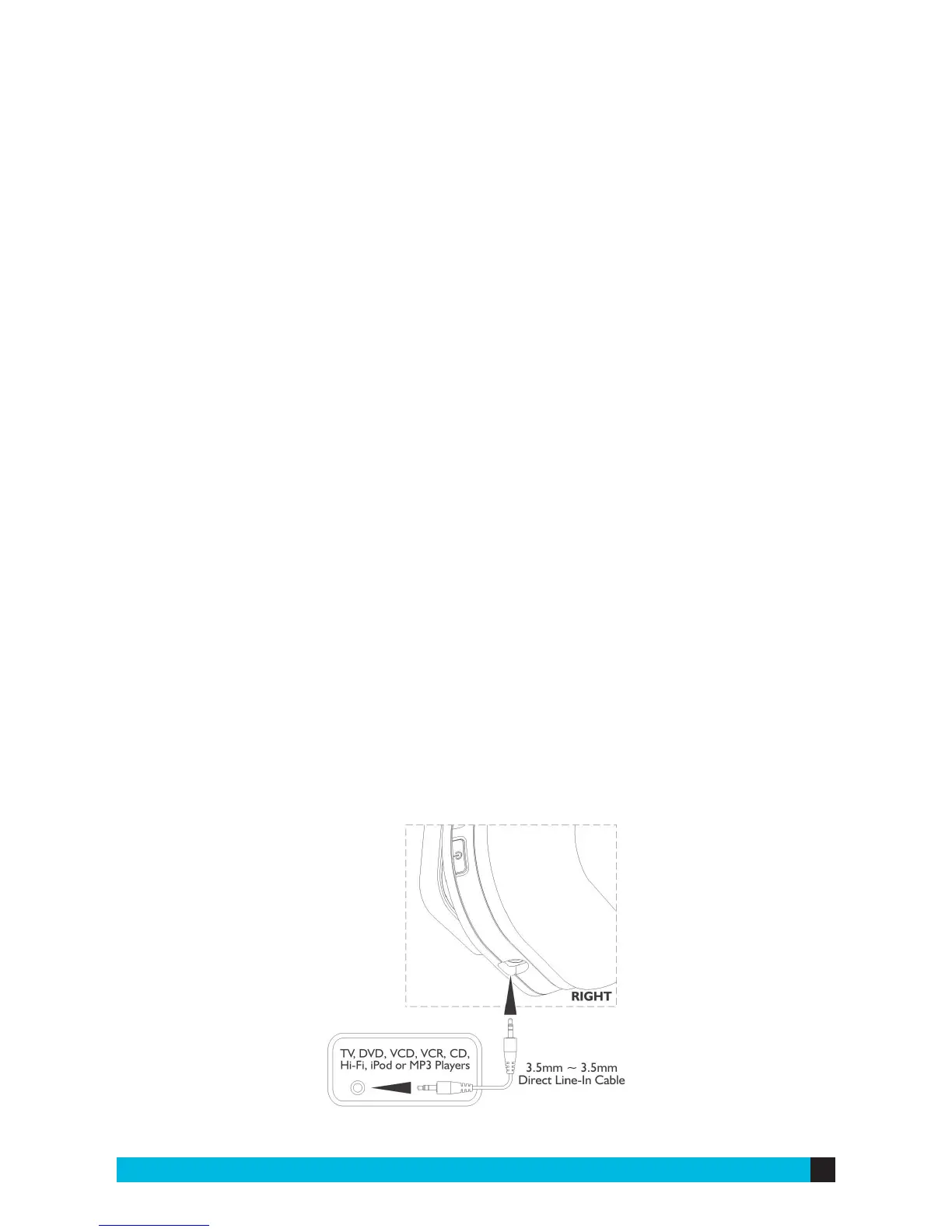
3) Or, use the 3.5mm auxiliary cable plugged directly into the headphones and
your device.


 To Next Page