Open
in
g
and
Closing the Door
I Emergency off switch (EMO)
Press this
sw
itch
in
the event
of
an emergency to
cut
off
the power supply to the
ma
in
unit.
To cancel the emergency
sto
p status, turn the button clockwise. After confirming
safety, turn the power key to the
~
position to restart SmartLab SE. (see
Turning on SmartLab
SE
).
After restarting SmartLab SE, restart the control PC and SmartLab Studio
IT.
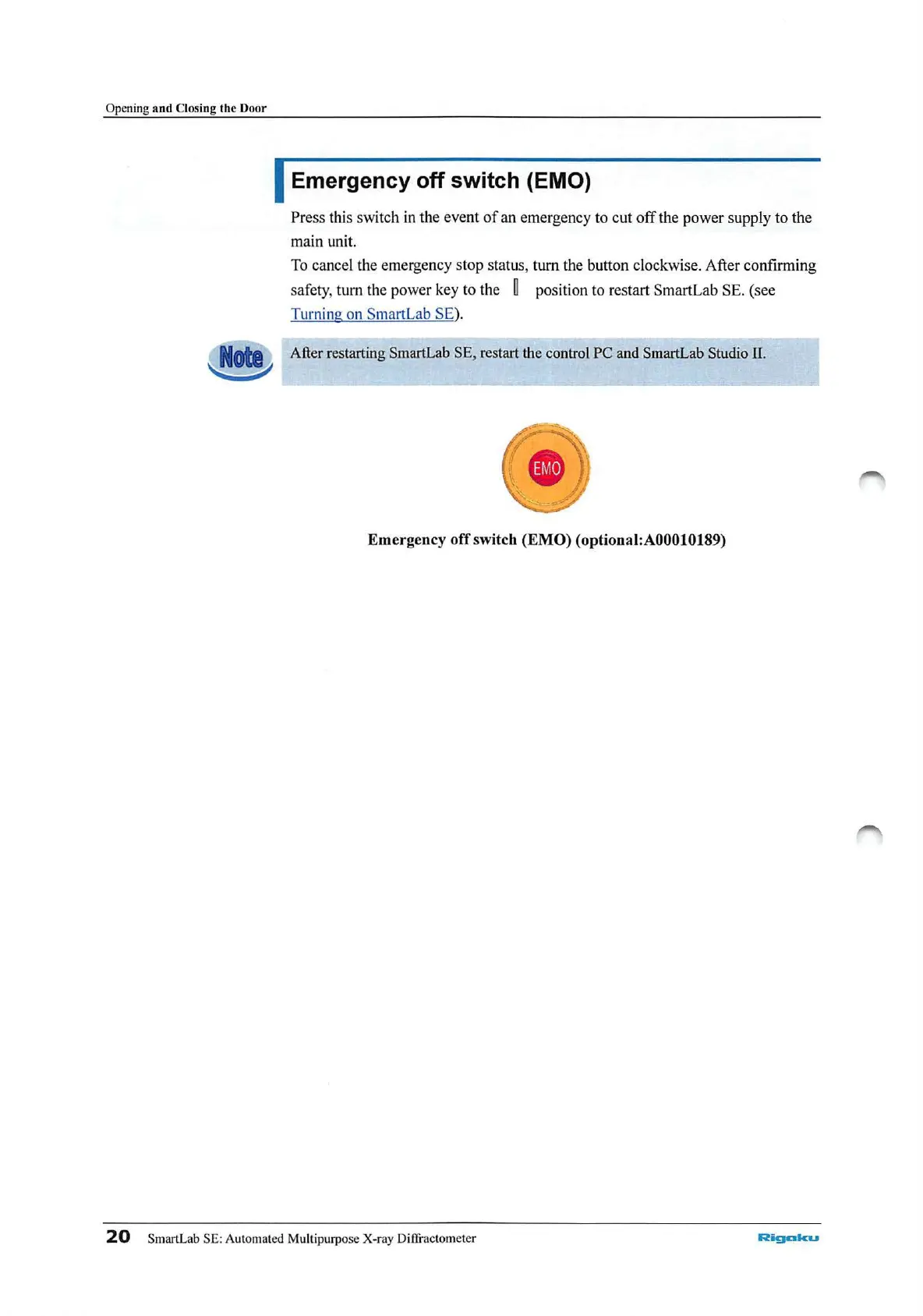
Emergency
off
switch (EMO) ( optional:A00010189)
20
SmartLab SE: Automated Multipurpose X-ray Diffractometer
Rigc:lll<u



 To Next Page