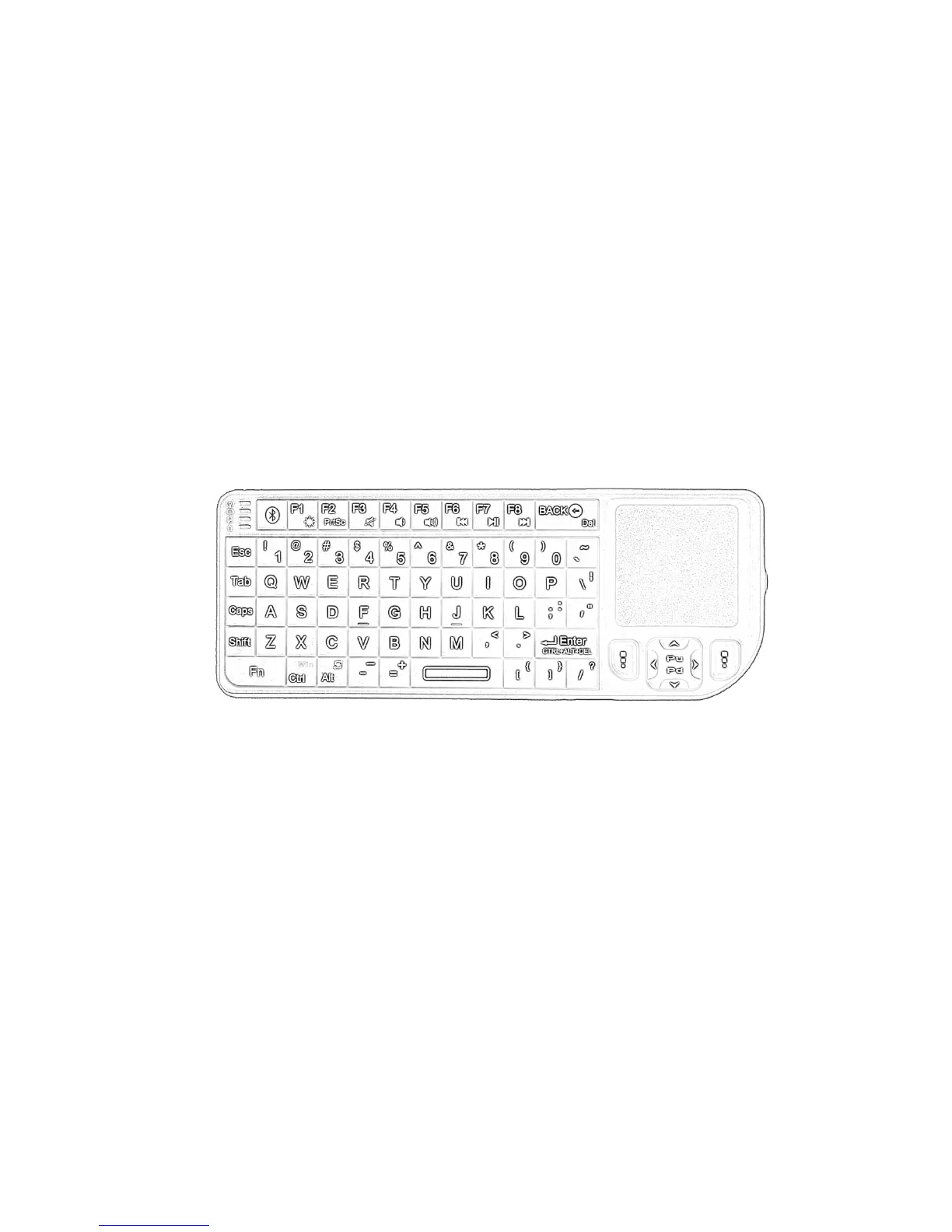
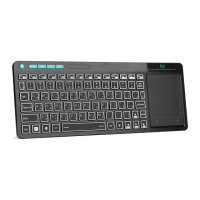
Nokia Symbian S60 System
Desktop
Desktop
Desktop
Desktop Computer
Computer
Computer
Computer
Laptop
Laptop
Laptop
Laptop System
System
System
System Requirements
Requirements
Requirements
Requirements
Bluetooth-enabled PC running Windows 98,
Me, 2000, XP or Vista
Bluetooth-enabled Macintosh running Mac
OS 10.2.8 or later
2
2
2
2 、 Hardware
Hardware
Hardware
Hardware Installation
Installation
Installation
Installation
Note:
Note:
Note:
Note: on
on
on
on the
the
the
the first
first
first
first use,
use,
use,
use, the
the
the
the battery
battery
battery
battery might
might
might
might be
be
be
be
empty,
empty,
empty,
empty, so
so
so
so you
you
you
you should
should
should
should recharge
recharge
recharge
recharge it
it
it
it for
for
for
for
20min-30min.
20min-30min.
20min-30min.
20min-30min.
1.
1.
1.
1. Switch
Switch
Switch
Switch the
the
the
the keyboard
keyboard
keyboard
keyboard ON,
ON,
ON,
ON, using
using
using
using the
the
the
the
ON/OFF
ON/OFF
ON/OFF
ON/OFF button:
button:
button:
button:
The green LED will light for 2 seconds
2.
2.
2.
2. Click
Click
Click
Click the
the
the
the PAIR/CONNECT
PAIR/CONNECT
PAIR/CONNECT
PAIR/CONNECT button,
button,
button,
button, at
at
at
at
the
the
the
the left:
left:
left:
left:
The green LED will be blinking
intermittently
3.
3.
3.
3. Now
Now
Now
Now the
the
the
the Mini
Mini
Mini
Mini Bluetooth
Bluetooth
Bluetooth
Bluetooth keyboard
keyboard
keyboard
keyboard is
is
is
is
under
under
under
under pairing
pairing
pairing
pairing state
state
state
state and
and
and
and it
it
it
it
’
’
’
’
s
s
s
s waiting
for connecting with your device
Recharge
Recharge
Recharge
Recharge the
the
the
the battery
battery
battery
battery
Connect the mini Bluetooth keyboard to your
computer ’ s USB port using the power USB
cable (you can find the cable in the retail box).


 To Next Page