Need help?
Do you have a question about the Rii K02 and is the answer not in the manual?
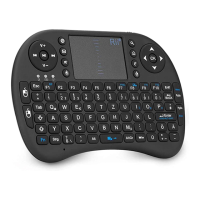
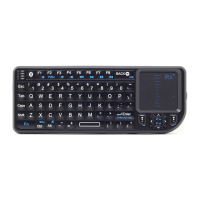
Highlights key features of the Mini Bluetooth Keyboard, including its design, battery, and functionality.
Details the operating systems and hardware requirements for mobile device compatibility.
Instructions on how to recharge the device's built-in lithium-ion battery using the provided USB cable.
Lists compatible operating systems including Google Android, Nokia Symbian S60, and Microsoft Windows Mobile.
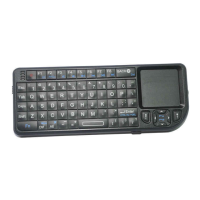
Details the layout of the keyboard, including special keys, touch pad, laser pointer, and connection ports.
Explains primary keys, sub-keys, duplicate keys, backlight control, touchpad modes, and laser pointer usage.
 General
| Type | Wireless Keyboard |
|---|---|
| Connection | 2.4GHz Wireless |
| Operating Range | Up to 10 meters |
| Key Switch Type | Membrane |
| Keyboard Layout | QWERTY |
| Compatibility | Windows, Android, Linux |
| Features | Multimedia keys |
| Battery | 2 x AAA (Not Included) |

 To Next Page