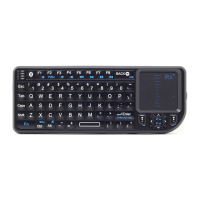
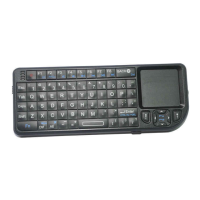
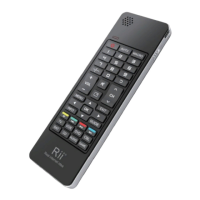
Need help?
Do you have a question about the Rii K08+ and is the answer not in the manual?
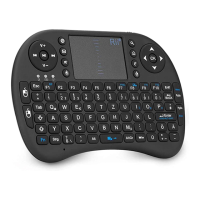
Lists items included: keyboard, receiver, manual, and charging cable.
Details compatible devices and operating systems like Windows, Linux, and Android.
Guide to connect the receiver, turn on the keyboard, and understand LED status lights.
Discusses signal interference with large monitors and solutions using an extension cable.
Lists key combinations for functions like pairing, screenshot, and touchpad control.
Explains differences in keyboard layouts and using special characters.
Details multi-finger gestures for left/right click, scrolling, and pointer control.
Explains how to control the backlit LED and its auto-on/off behavior.
Describes the automatic sleep mode after inactivity and how to wake the device.
Instructions on how to turn off the keyboard after use.
Details the automatic backlight function and its manual control.
Mentions the device includes a MIC and may require manual audio configuration.
Instructions on charging the built-in battery and usage during charging.
Safety precautions regarding charging, self-repair, and liquid exposure.
Advice on avoiding disassembly and protecting the device from extreme environments.
Guidelines for properly disposing of the used appliance.
Note on potential interference from obstacles and keeping the receiver clear.
 General
| Connection | 2.4GHz Wireless |
|---|---|
| Battery | Built-in rechargeable lithium battery |
| Layout | QWERTY |
| Operating Range | Up to 10 meters |
| Interface | USB receiver |
| Key Material | Plastic |
| Additional Features | Touchpad, multimedia keys |
| Keyboard Type | Compact |
| Compatibility | Windows, Android, Linux |
| Type | Mini Wireless Keyboard |

 To Next Page