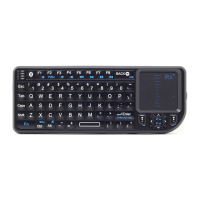
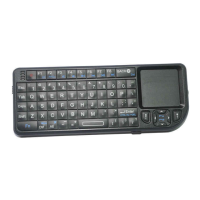
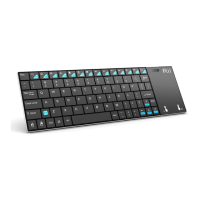
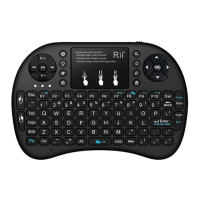
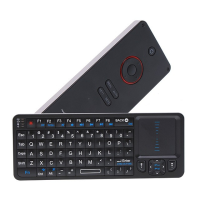
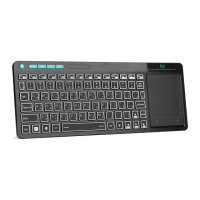
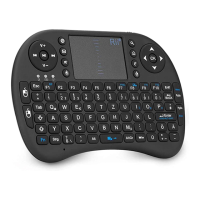
Product size: 146.8*97.5*19mm
Installation
1. Take off the USB receiver from back cover of the keyboard.
2.
Plug the USB Receiver into your device’s USB port.Such as
android tv box, smart tv
3.Turn on the keyboard.
A blue LED will stay on. That means the keyboard has paired
with your device. You can enjoy the keyboard now!
Note:1.The three port extension USB cable can not only be
used for battery charging but also solving signal interference!
2.if the blue LED does not stay on,it means the keyboard
need to be paired with your device handly. As for how to pair,
please try following steps:
Step1: Keep your PC on, and be sure the keyboard is full of power.:)
Step2:Press the “F1” without releasing.
Step3:Power on the keyboard and release the "F1" immediately.
Step4:Plug the USB receiver on the USB port of your PC.
Wait a moment. The keyboard will repair automatically.
When the yellow light stop flashing and blue led on, it means successful.
3.About the meaning of the three leds(orange, blue and red)
Red: means charge status. When start to charge , it will be
on. When it is powerful, it will be off automatically.
Blue: means pair status. When it is on, it means keyboard is


 To Next Page