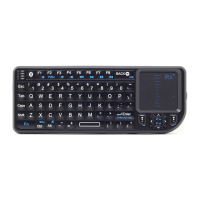
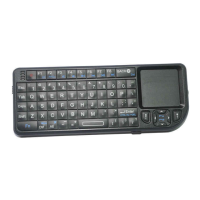
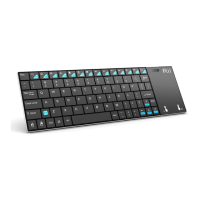
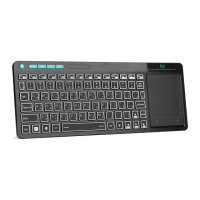
Touchpad
This touchpad supports multi-finger functions.
(1) When a single finger click, on behalf of the left mouse
function keys
(2) When two-finger click, on behalf of the right mouse
function keys
(3) When double finger drag up and down, on behalf of the
Rolling screen
(4) When a single finger sliding pointer can be controlled
Turn on/off the Backlit LED (Only for A/B versions)
Two Modes: Software Control and Manual Control
When the wireless connection is successful, the backlit
LED will be automatically on 3 seconds, then off, to save
power and lengthen standby time. You can click the backlit
LED button to turn the LED on. Users can turn on the LED
in dark environment for better operation.
Auto Sleep and Wake-up feature
The keyboard supports auto sleep and wake-up. Without
operation around 3 minutes, the keyboard will enter sleep
mode. In sleep status, all LED indicators are off. Pressing any
key can wake it up.


 To Next Page