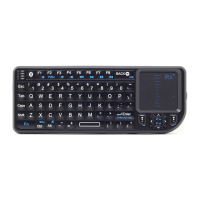
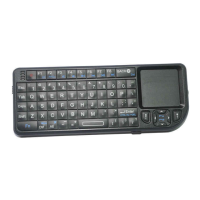
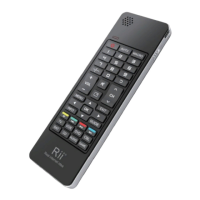
paired with your device successfully. If it is off, it means not
be paired. You need to do the above 4 steps to repair it.
Orange: means sync. It will flashing whatever you type any
button or touchpad. If it not flash, it means it has something
wrong on keyboard or the compatibility
4.About signal interference: special for android tv box and
smart tv.
Large size monitor’s device always has some signal
interference. Signal interference may result to short distance
and buttons do not work as well. When you press “a” ,
“aaaaaaa…” will appear. For this case, you can use the three
port usb cable to solve it. This cable is a extension cable.
5.Shortcut Keys:
FN+RF :enter into pair model
FN+F7:Screenshot
FN+F8:Turn on/off touchpad mouse
FN+F9:F11
FN+F10:F12
FN+Back: Delete
FN+PgUp:Home
6.Special keys use in special layout. such as @ in UK layout
This keyboard has different layout. Please know exactly
which layout do you want. For example. If you want and buy
UK layout. And you want to use @ . You need to first change
your device’s system language to british English. Then it can
work by shift+@


 To Next Page