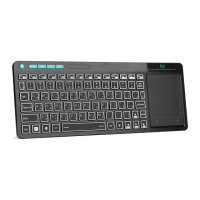
Basic
Basic
Basic
Basic functions
functions
functions
functions
( 1
1
1
1 ) Primary
Primary
Primary
Primary Key
Key
Key
Key bits
bits
bits
bits
The function printed at each key is defaulted by
pressing the button with one time.
( 2
2
2
2 ) Sub-keys
Sub-keys
Sub-keys
Sub-keys
Press the SHIFT key while using these
keys,
including :!,@,#,$,%,^,&,*,(,),~,|,",{,},?,_,+
( 3
3
3
3 ) Deplicate
Deplicate
Deplicate
Deplicate keys
keys
keys
keys
Press the FN key while using these
keys,all these keys were printed in Blue for
easy recognize.
( 4
4
4
4 ) Backlit
Backlit
Backlit
Backlit controlkey
controlkey
controlkey
controlkey
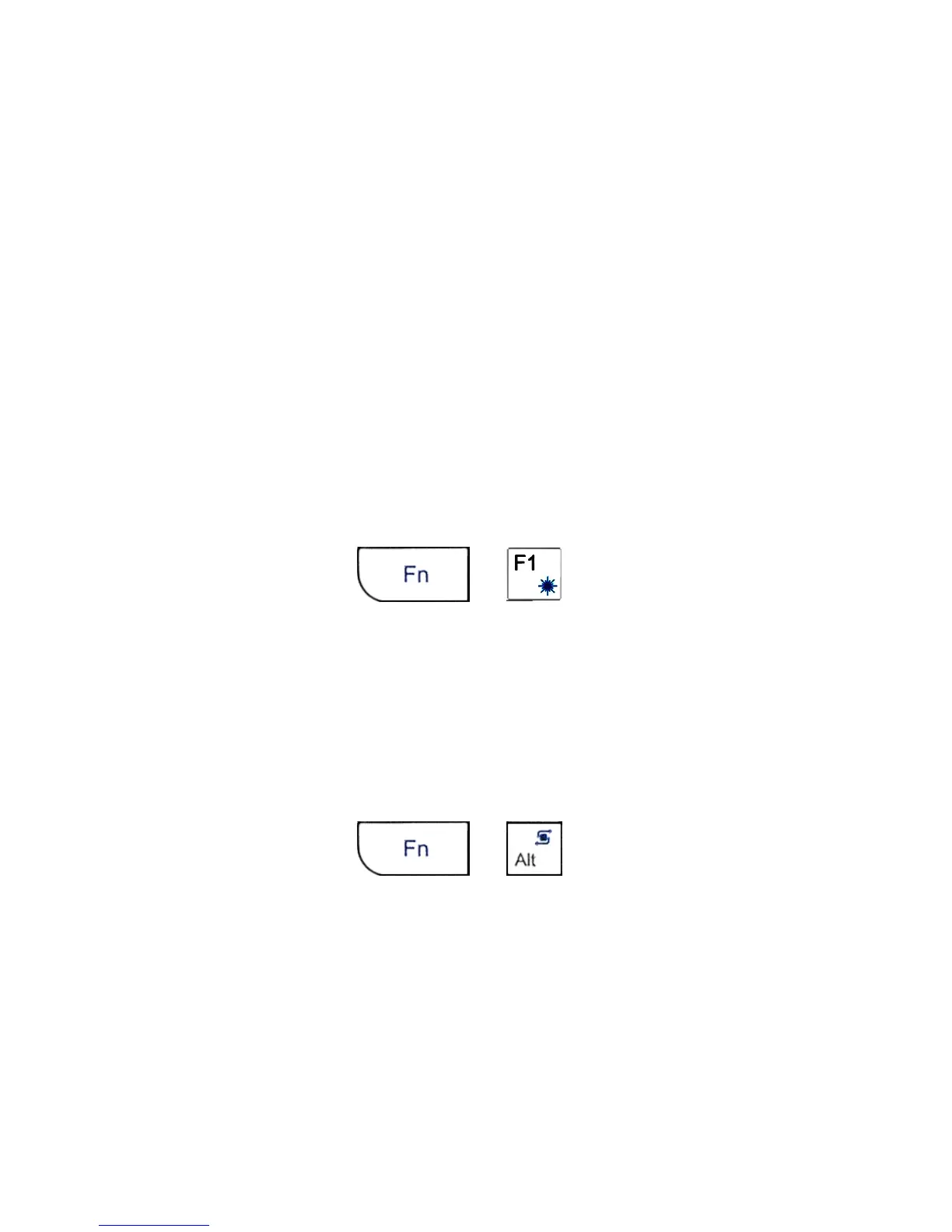
As shown:
is the key for control the backlight.
( 5
5
5
5 ) Touch
Touch
Touch
Touch Pad
Pad
Pad
Pad
The touchpad can be used in a horizontal or
vertical position.
To
switch between horizontal or
vertical mode, hold the Fn key and hit the Alt key.
( 6
6
6
6 ) Laser
Laser
Laser
Laser Pointer
Pointer
Pointer
Pointer
Using the laser pointer only requires that the
keyboard will be turned on.Press the Laser Switch
as long as you want to use the laser pointer.


 To Next Page