EasyManua.ls Logo

Riitek Rii Mini i8 - User Manual

Riitek Rii Mini i8
11 pages
Print Icon
To Next Page IconTo Next Page
Loading...
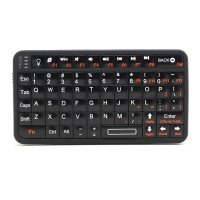
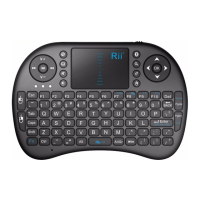
Mini Wireless
Keyboard Touchpad Combo
Rii Mini RT-MWK08
[2.4GHz]
(Rii mini i8)
Ver: 2.2*
Installation & User Manual
*Reviewed by DP from HQ-Tech

Questions and Answers

Summary

Safety Precautions

Safety Matters

General safety warnings regarding injury, death, damage, and environmental exposure.

Attention to Traffic Safety (CAR PC)

Warning against using the device while driving; advises parking the car first.

Turn Off Device on Planes

Instruction to turn off the wireless product on planes to avoid disturbing communications systems.

Shut Down Near Dangerous Goods

Requirement to turn off the device when near fuel, chemical agents, or hazardous materials.

Turn Off Device in Hospital

Guidance to turn off the device in hospitals to prevent interference with medical implants.

Interference

Notes that all wireless devices are subject to interference affecting performance.

Accessories

Advises using only factory-specified parts and the supplied charging cable for safety.

Overview

Introduction

Product Overview

Diagram and description of product connectivity with various devices like HTPC, PC, and mobile phones.

Touchpad Functionality

Details the touchpad functionality, including scroll wheel simulation and sensitivity adjustment.

Connecting the Receiver

Instructions on how to connect the USB receiver and turn on the device.

Auto Sleep and Wake Feature

Explains the device's automatic sleep and wake mode to conserve power during inactivity.

Keyboard Power Management

Procedure for powering off the keyboard and storing the USB receiver safely.

Riitek Rii Mini i8 Specifications

General IconGeneral
BrandRiitek
ModelRii Mini i8
CategoryKeyboard
LanguageEnglish

Related product manuals