11
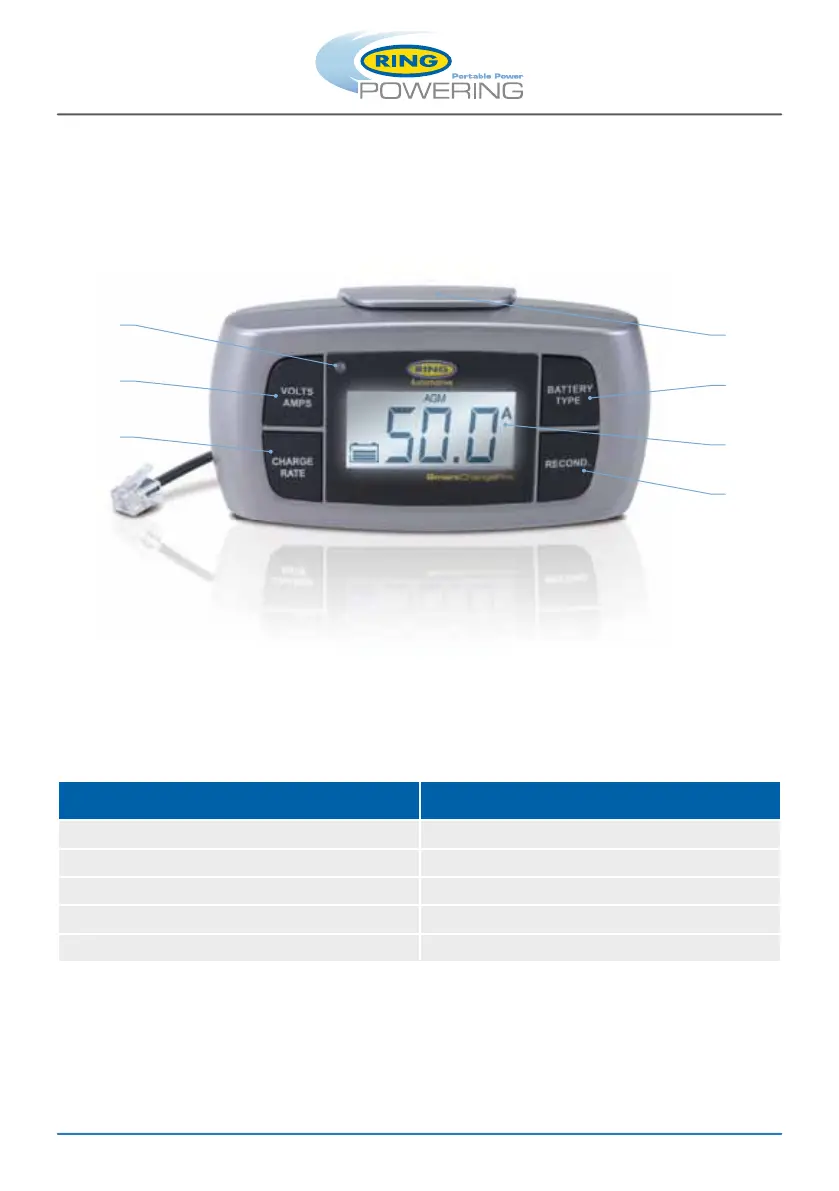
1. Bi-colour LED indicator
2. Displays battery voltage (volts)
or charging rates (amps)
3. Charge rate select switch
4. Remote control mounting bracket
5. Battery type selection switch
6. LCD display screen
7. Manual Recondition function
1
2
3
4
5
6
7
Remote Control (Sold separately – Part Number: RSCPRC)
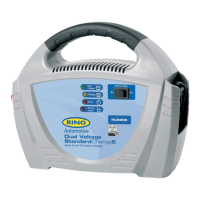
Suitable for RSCPR25, RSCPR35, RSCPR50 and RSCPR824
Controls and monitor the SmartChargePro’s performance and operation from the remote control.
Ideal if your battery is in a permanent or not easy to access location.
The remote control includes a bi-colour LED indicator that illuminates in different ways to indicate
different stages of charging:
To install the remote control Insert the data plug into the data socket on the rear face of the
SmartChargePro.
The removable mounting bracket can be fi xed to a surface to create a mounting station for the
remote control.
Cable length: 2.9m
Status Bi-colour LED indicator display
Charging Green (Flashing)
Fully charged Green (solid)
Power supply mode Green (solid)
Reverse polarity Red (Flashing)
Bulk charging has timed out (22 hours) Red (solid)


 To Next Page