8
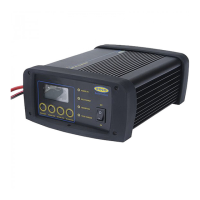
LCD Display (RSCPR25, RSCPR35, RSCPR50 and RSCPR824)
The LCD display on the SmartChargePro can display the following information:
• Battery voltage (V)
• Charging current applied (A)
• Battery type: Gel, AGM, Wet (lead acid) and Calcium.
• Battery charging / Charged icon
• Recondition / equalisation modes
• Power supply mode (battery support unit)
• ‘Err’ – Short circuit or reverse polarity (reverse connection of clips)
Battery Fault codes
• ‘F01’ – Bulk charging has timed out. Charging stopped after 22 hours
• The charger has entered recondition mode 3 times and has timed out
Battery cannot be charged
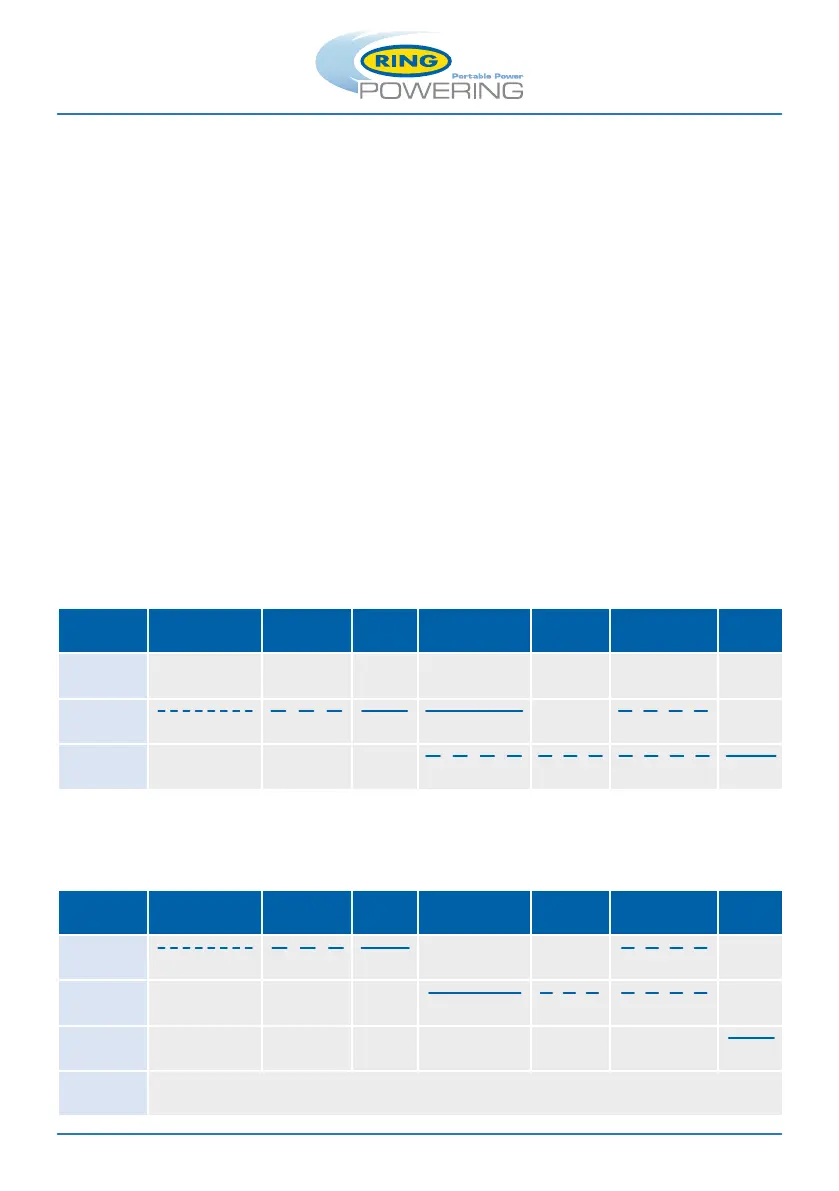
CHARGING LED: Blue LED illuminates and flashes during charging process
FULLY CHARGED LED: Green LED illuminates solid when fully charged
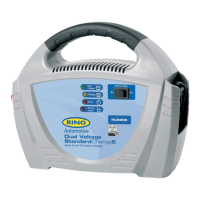
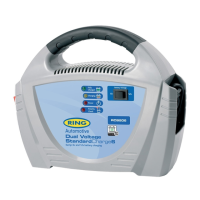
LED Indicators (RSCPR7, RSCPR10 and RSCPR15)
LED Indicators (RSCPR25, RSCPR35, RSCPR50 and RSCPR824)
Desulphation Soft Start Bulk
Absorption /
Equalisation
Analyse Recondition Float
Power
(Red LED)
Charging
(Blue LED)
(Fast Flash) (Slow Flash) (Solid) (Solid) (Slow Flash)
Full
(Green LED)
(Slow Flash) (Slow Flash) (Slow Flash) (Solid)
Desulphation Soft Start Bulk
Absorption /
Equalisation
Analyse Recondition Float
Bulk Charge
(Blue LED)
(Fast Flash) (Slow Flash) (Solid) (Slow Flash)
Absorption
(Blue LED)
(Solid) (Slow Flash) (Slow Flash)
Full Charged
(Green LED)
(Solid)
Power
(Red LED)
Solid: Power On
Flashing: ‘Err’ or ‘F01’ fault codes


 To Next Page