Complete Setup in the Ring app.
In the app, tap Set Up a Device.
When prompted, select Smart Lighting and follow
the in-app instructions.
When the light on your Transformer turns solid
blue, setup is complete.
Connect your lighting to Ring.
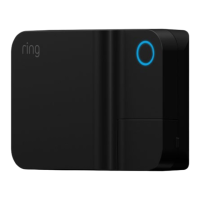
Once plugged in, the light around the button on the
front of your Transformer will flash blue. That means
it’s ready to pair with the Ring app!
If the light around the
button is white after
you plug it in, press and
release it. The light will
then flash blue.
To test your lights, press the
round button once. The circle
will turn white and your light
fixtures will illuminate.
1716


 To Next Page