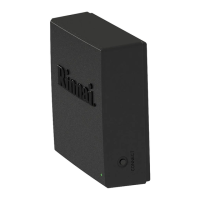
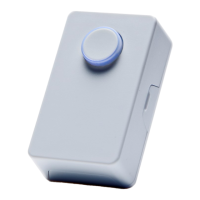
• Use a Phillips Head
screwdriver to remove the
front cover.
• Press and hold down the
Connect button on the PCB
until the LED double flashes
every second.
• Release the button.
• If paired successfully, the
module LED will return to the
previous color.
IMPORTANT:
When a Push Button or Motion Sensor is activated, the
pump turns on and runs for 5 minutes or until the selected
water temperature is reached (whichever occurs first). The
pump turns off and enters into a dormant (inactive) state.
During this time, the pump will not turn on for any
reason, even if the push button or motion sensor is
activated.


 To Next Page
 Loading...