Copyright © 2018 Rinnai America Corporaon. All Rights Reserved. Page 3
Make sure water heater is plugged into power outlet.
Wait for module LED to turn RED.
While you are waing, connue with next step.
RED
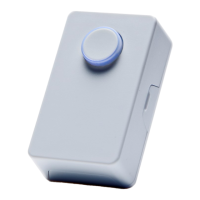
Press/hold down push buon and insert two supplied baeries at the same me. Ensure + (plus)
terminals are aligned correctly.
When baeries are installed, release the push buon.
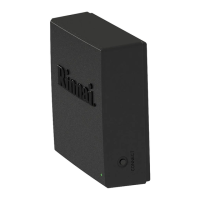
Press and hold down Connect buon on MODULE
unl LED turns GREEN.
Then, release buon.
• Press and hold down push buon.
• Push buon ashes three mes and then rapidly ashes.
• Release push buon.
❹
Insert push buon baeries by following steps a, b and c below.
Press both sides. Li and remove cover.
Insert baeries
+ (Plus) terminals
Replace cover on push buon (cover ts in one direcon only).
GREEN
PRESS AND HOLD
You have ve minutes to complete the following three
bullets:
Press, then li UP cover.


 To Next Page
 Loading...