Table of Contents Index
36
Rio Carbon
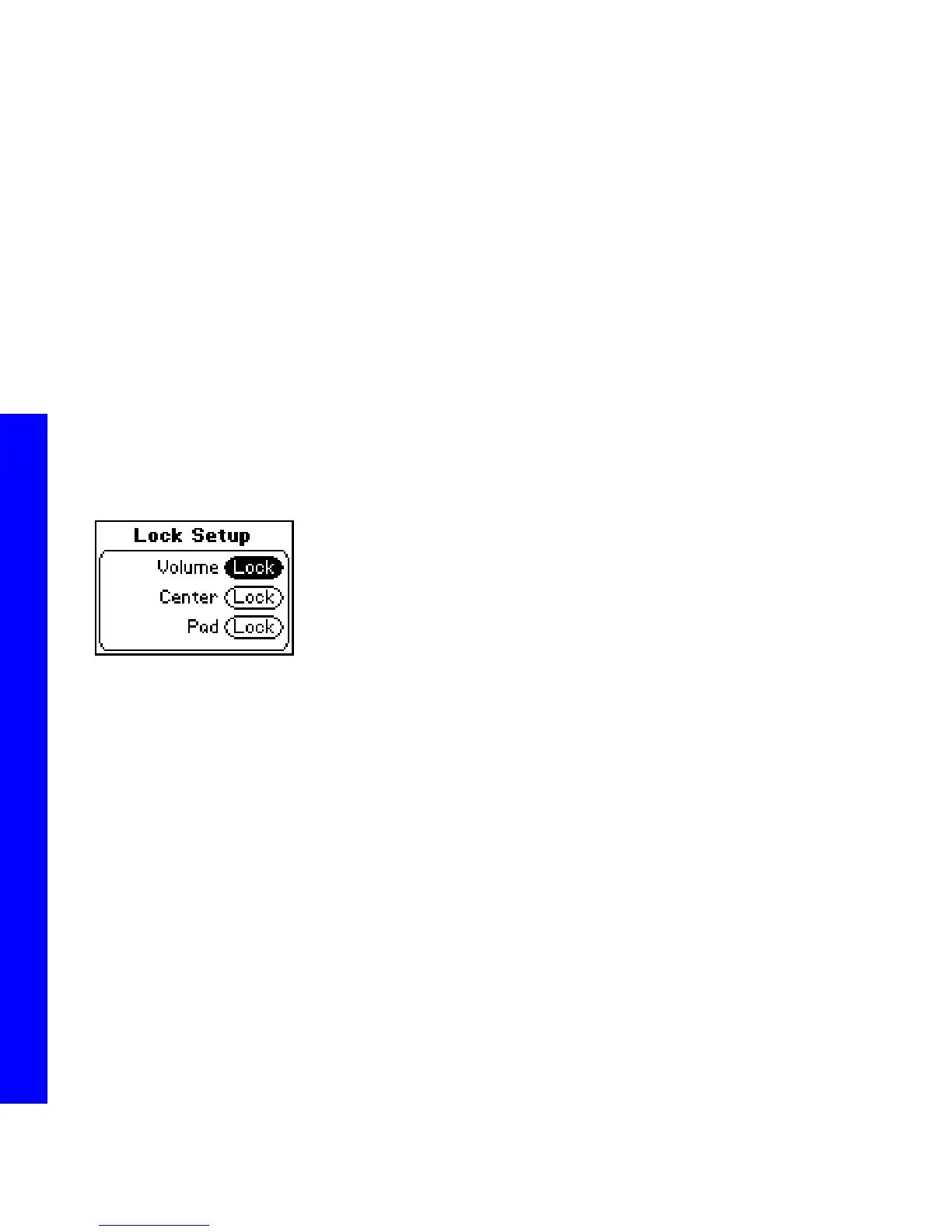
Lock Setup
Use the options in the Lock Setup menu to enable various controls when the lock is enabled.
1 Press MENU.
2 Select Settings.
3 Select Lock Setup.
4 Select Lock Volume and Control Pad options.
5 Press CENTER to apply settings and return to Player mode.
Lock Setup settings include:
• Volume
Options include Lock (the default setting) and Off. When set to Off, the volume level can be adjusted even
when the Rio Carbon has been locked.
• Center
Options include Lock (the default setting) and Off. When set to Off, pressing CENTER will scroll through Time
Code View, Track Format View, and Date Views even when the Rio Carbon has been locked.
• Pad
Options include Lock and / (PLAY/PAUSE). When set to /, any CONTROL PAD movement will be
interpreted as the / control.



 To Next Page