Table of Contents Index
41
Rio Carbon
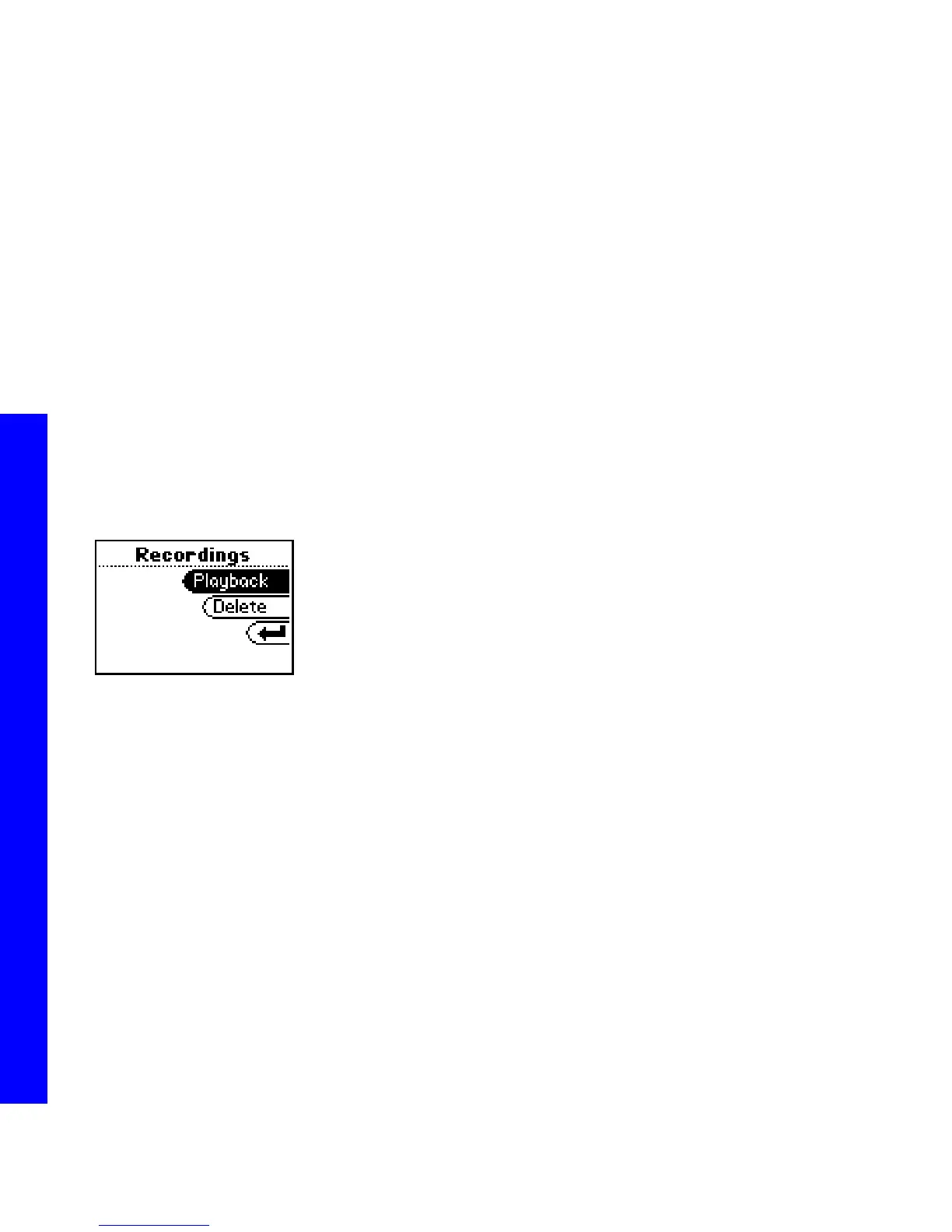
:: Recordings
Select to playback or delete recordings using the Rio Carbon’s internal microphone.
1 Press MENU.
2 Select Recordings.
3 Select Start/Stop, Playback, or Delete.
Recording options include:
• Start/Stop
Select to begin recording. After recording has started, return to the Recordings menu and select the Stop
option to stop recording.
• Playback
Select a voice recording. Press CENTER to play the selected recording.
• Delete
Select a voice recording. Press CENTER to delete the selected recording.



 To Next Page