Table of Contents Index
40
Rio Carbon
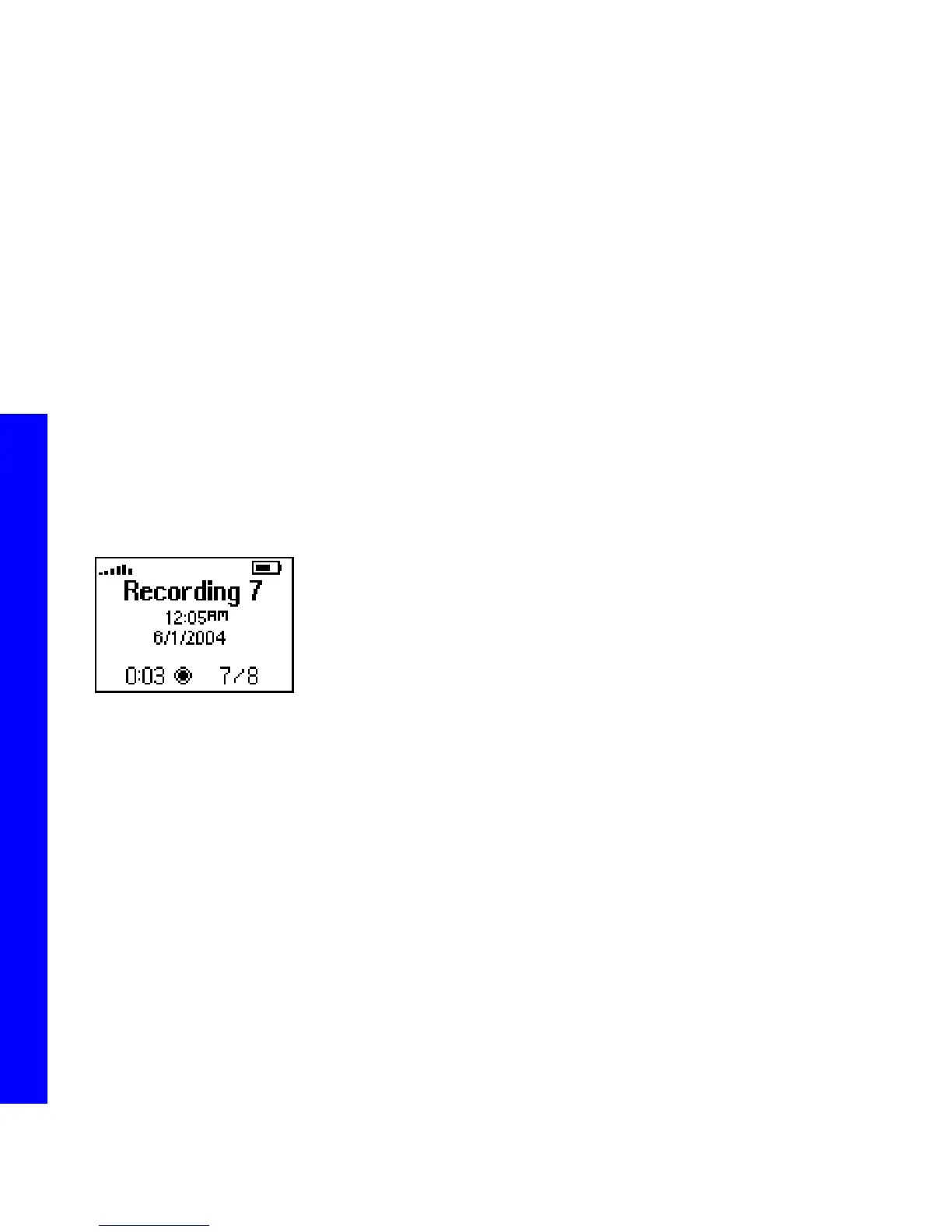
:: Voice Record
Select to record audio using the Rio Carbon’s internal microphone. Recording ID3 Tags can be edited using Rio
Music Manager.
1 Press MENU.
2 Select Voice Record.
When in Voice Record mode, the following controls function differently:
• CENTER
Press to cycle through Voice Record Play Screens.
• PLAY/PAUSE
Press to begin recording. After recording has started, press PLAY/PAUSE to pause recording.
• FORWARD and REVERSE
Press to select a prerecorded recording. If a prerecorded recording is selected, the current recording will be
appended to the prerecorded recording.
• STOP
Press to stop a recording.



 To Next Page