15
Security key
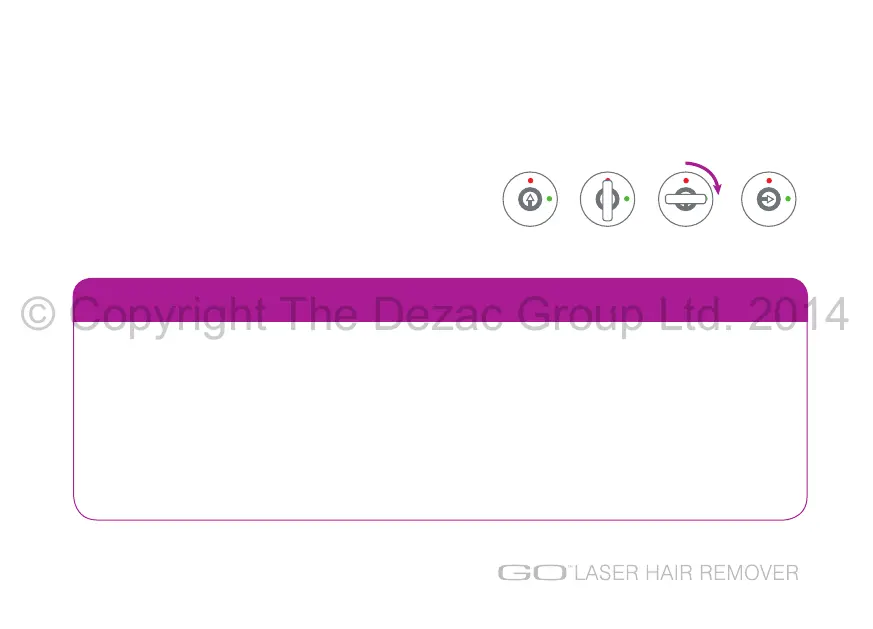
The key allows the unit to be safely locked when not in use.
Insert the security key and unlock by turning clockwise so
that when the security key is removed, the arrow lines up
with the green dot.
SECURITY FEATURES
Security code sequence
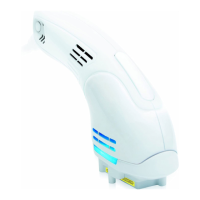
A security code sequence is required to use the unit:
1 Power level increase button (+)
2 Scan mode button
3 Power level decrease button (-)
4 Scan mode button
to change the security code sequence, see page 28.
© Copyright The Dezac Group Ltd. 2014



 To Next Page