25
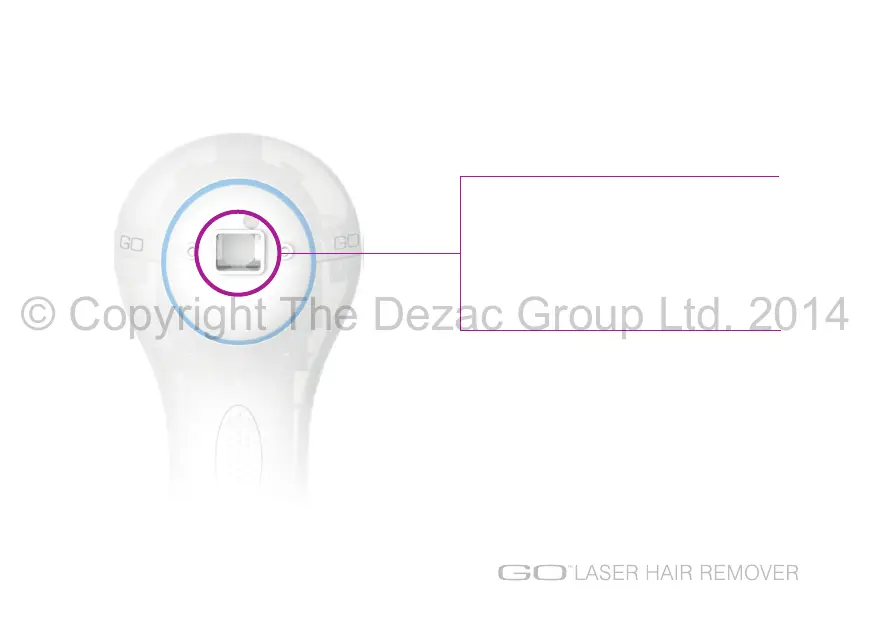
Periodically check whether there are any smoke
deposits on the laser aperture. A build up of
deposits will affect the efficiency of the laser.
If you notice any deposits, switch the unit OFF
and unplug the mains adapter. Then simply clean
with a lint free cloth or cotton bud.
CLEANING THE LASER APERTURE
© Copyright The Dezac Group Ltd. 2014


 To Next Page