5
Keypad Settings
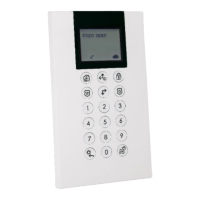
To define keypad settings follow this procedure:
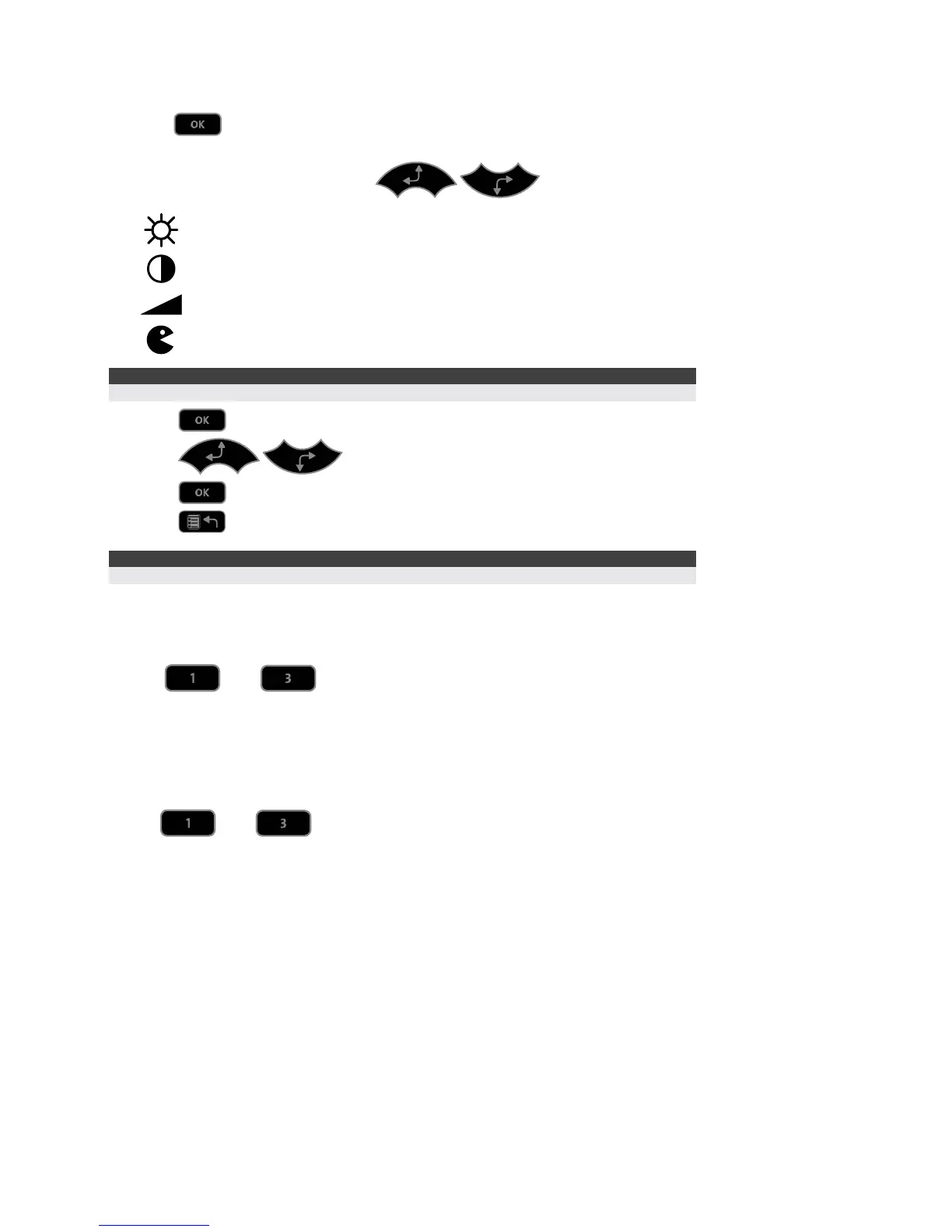
1. Press
for two seconds until the Keypad Settings
menu appears
2. Select the relevant icon using the
keys:
Brightness
Contrast
Volume
Language
Note:
Set the keypad language according to the language in the ProSYS panel.
3. Press
4. Press
to adjust the level settings
5. Press
to save the adjustment
6. Press
to exit the Keypad settings menu
Note:
Each keypad's settings must be defined separately.
Keypad Lock
To lock the keypad:
Press
and simultaneously for 2 seconds.
The keypad will beep and the
icon will appear on the LCD screen to notify that the keypad has
been locked.
To release the keypad lock:
Press
and simultaneously for 2 seconds.






 To Next Page