Need help?
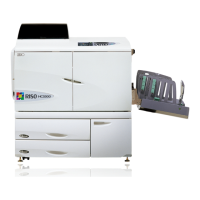
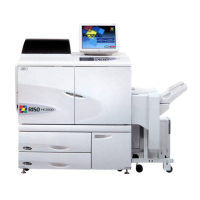
Do you have a question about the Riso HC5500 and is the answer not in the manual?
Initialization procedures for IS700C network, scanner, and touch panel calibration.
Initialization procedures for PS7R and HC3R network, scanner, and touch panel calibration.
Adjust image position using scanner and PC for color accuracy.
Perform manual image position adjustments via PC interface.
On-machine temporary image adjustment without external devices.
 General
| Resolution | 300 x 600 dpi |
|---|---|
| Print Technology | Inkjet |
| Type | Copier |
| Printing Method | Line-type inkjet system |
| Paper Capacity | 1, 000 sheets |
| Print Speed | 120 pages per minute |


 To Next Page