Initialization Procedure Item 19-1
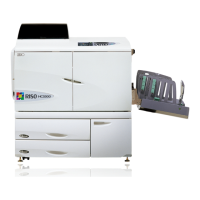
Initialization procedure of IS700C is different from other controllers as follows.
Therefore please do not mix up these procedures.
[ For IS700C
series ]
Initialization of network setting, scanner setting and touch panel calibration setting
Keep pressing the RESET switch until there is a beep sound once.
Above settings will return to the default condition.
Initialization of HDD
Keep pressing the RESET switch until there is a beep sound twice.
After release from the RESET switch, there is a beep sound third.
And then keep pressing the RESET switch again until there is a beep sound fourth.
After that, HDD is initialized and it will be in a factory- default state.
1) Keep pressing the RESET switch for a few seconds
2) Beep sound twice
3) Release from the RESET switch
4) Beep sound third
5) Keep pressing the RESET switch for a few second
6) Beep sound fourth
7) Release from the RESET switch
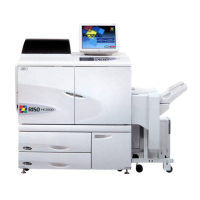
[ For PS7R and HC3R series ]
Initialization of network setting, scanner setting and touch panel calibration setting
Keep pressing the RESET switch until there is a beep sound twice.
Above settings will return to the default condition.
By pressing the switch, there is a beep sound.
Initialization of HDD
By keep pressing the RESET switch for three seconds, there is a beep sound twice.
And then keep pressing the RESET switch for one second again.
After that, HDD is initialized and it will be in a factory- default state.
1) Keep pressing the RESET switch for three seconds
2) Release from the RESET switch
3) Beep sound twice
4) Keep pressing the RESET switch immediately for one second
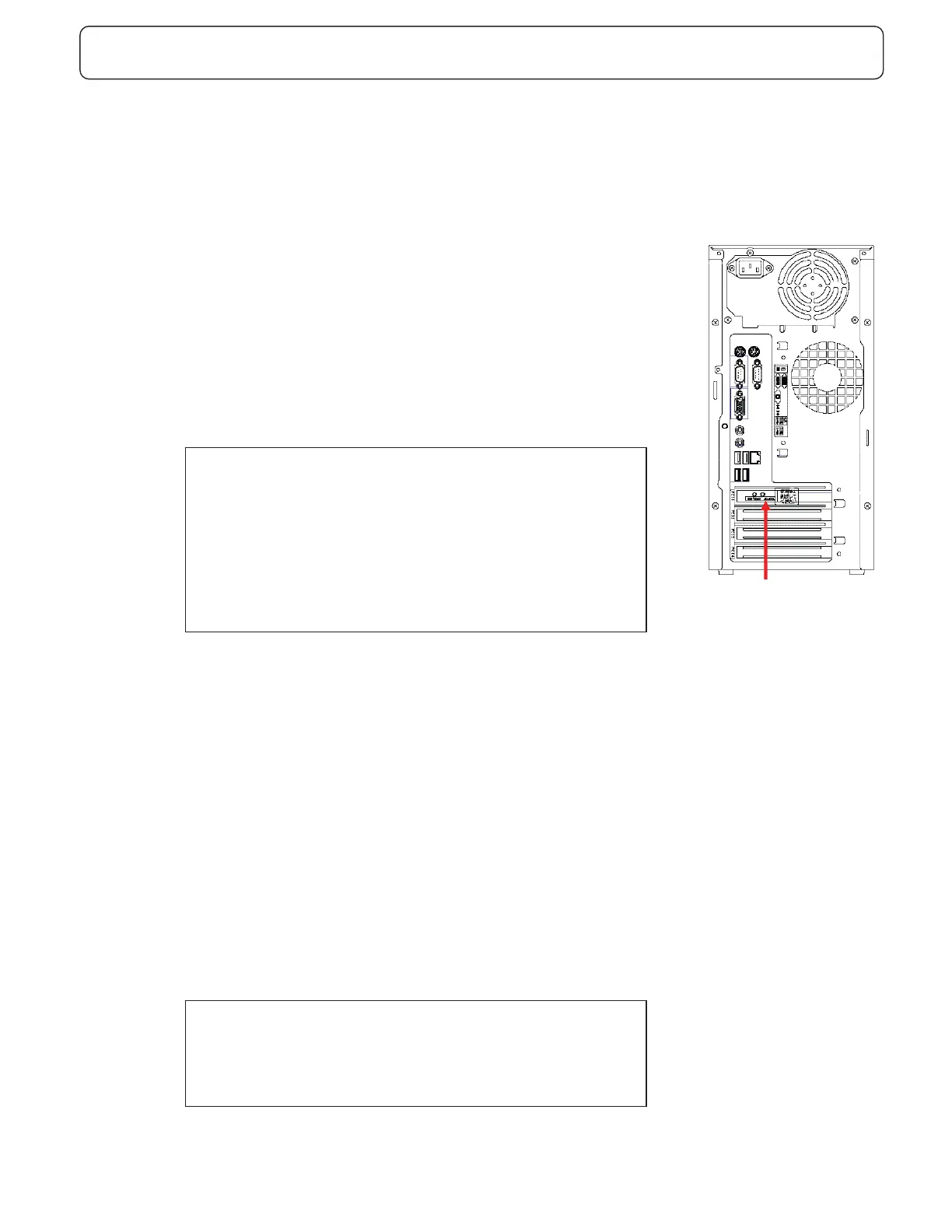
㩷㫊㫎㫀㫋㪺㪿㩷
Back of controller



 To Next Page