Document number R2019-10-01 Span Calibration Guide
Revision 02
Page 15 of 16
www.ritchie-uk.com
3.5 Gallagher W210 – Calibration
3.5.1 Ensure the load bars are connected to indicator using Y
piece Gallagher adaptor cable manufactured and supplied
by Ritchie. Ensure no load and is free from obstruction
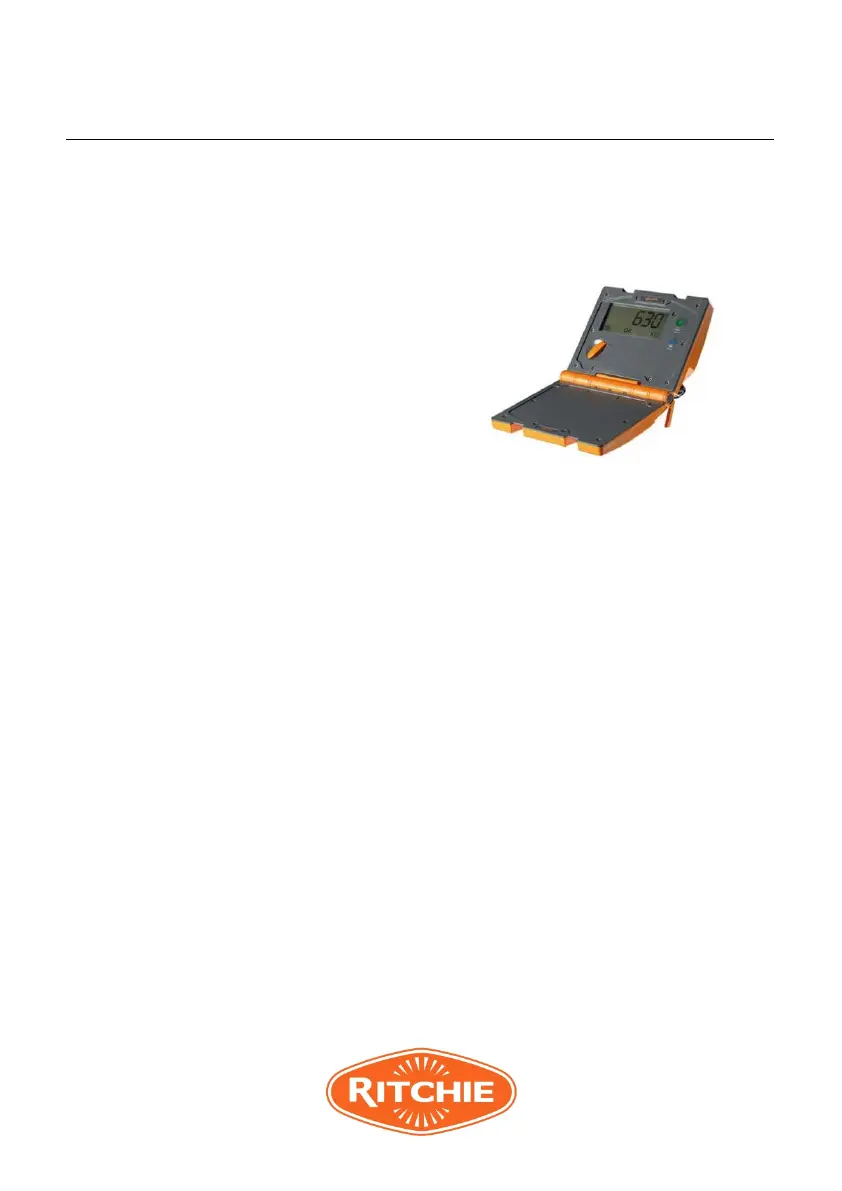
3.5.2 Hold down GREEN and BLUE
buttons at the same time. Turn
the rotary knob from OFF to
FINE.
Screen will show
“CAL”
3.5.3
Check there is no load on the loadbars and press the BLUE
button.
The ZERO icon will be displayed once zero load has been
captured.
3.5.4 Add any known weight up to 200kg to the scale. Once the
load is stable, press the GREEN button.
Screen will show calculated weight
3.5.5 Press the GREEN button to increase shown weight to
known test weight. Press BLUE button to decrease shown
weight. (Adjustment in 1kg increments)
3.5.6 Once display weight equals the know test weight, turn
rotary knob from FINE to AUTO.
Display will read “
SAVE”
3.5.7 Press the GREEN button to save the new span value
3.5.8 To exit the span calibration without saving the new
value, turn the rotary knob to OFF before pressing
the GREEN button.



 To Next Page