Document number R2019-10-01 Span Calibration Guide
Revision 02
Page 7 of 16
www.ritchie-uk.com
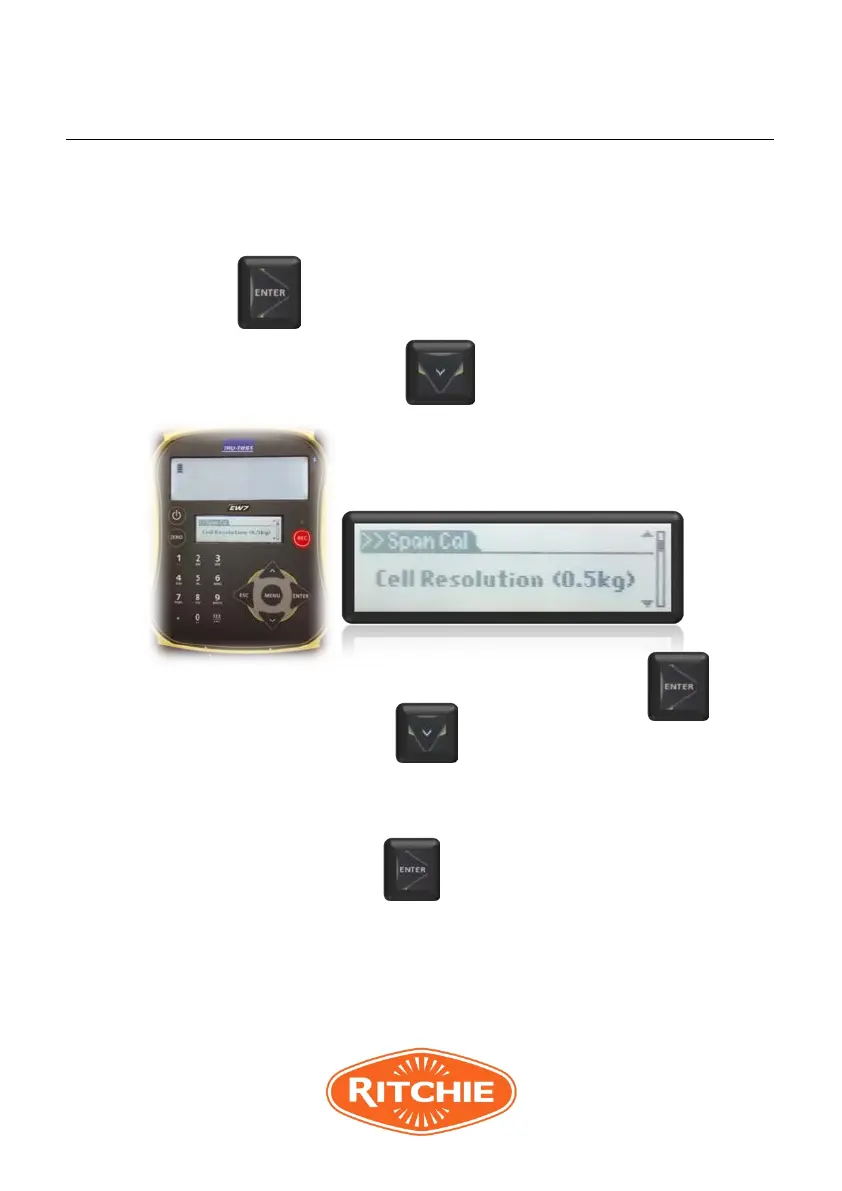
3.2.5 Type the desired capacity for the system (200.0kg)
using numerical key pad and press ENTER to store.
3.2.6 Press down arrow.
3.2.7 Set cell resolution to 0.5kg by pressing ENTER.
3.2.8 Press down arrow . Display will show the
“Test Weight”. By using numerical key pad type the
actual test weight that will be used for calibration
and press ENTER to store. The weight should
be at least one third of the total capacity of the
scale or about equal to the typical loads that will be
weighed, whichever is greater.



 To Next Page