60 M2A Transmitter Operator’s Manual
5. Peel off the hydrophobic membrane. It may be necessary to clean off the sensor face to remove any residue
left from the adhesive backed membrane.
6. Install the new membrane on the face of the plug-in sensor.
7. Plug the sensor back into the four-socket pattern in the detector housing body.
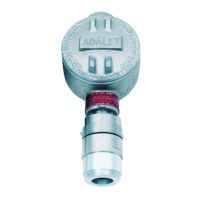
8. Make sure the cap gasket is in place and screw the detector housing cap back onto the detector housing body.
9. Turn on or reconnect power to the M2A.
w ww. . com
information@itm.com1.800.561.8187



 To Next Page