RKM MK902S User Manual
Page
6
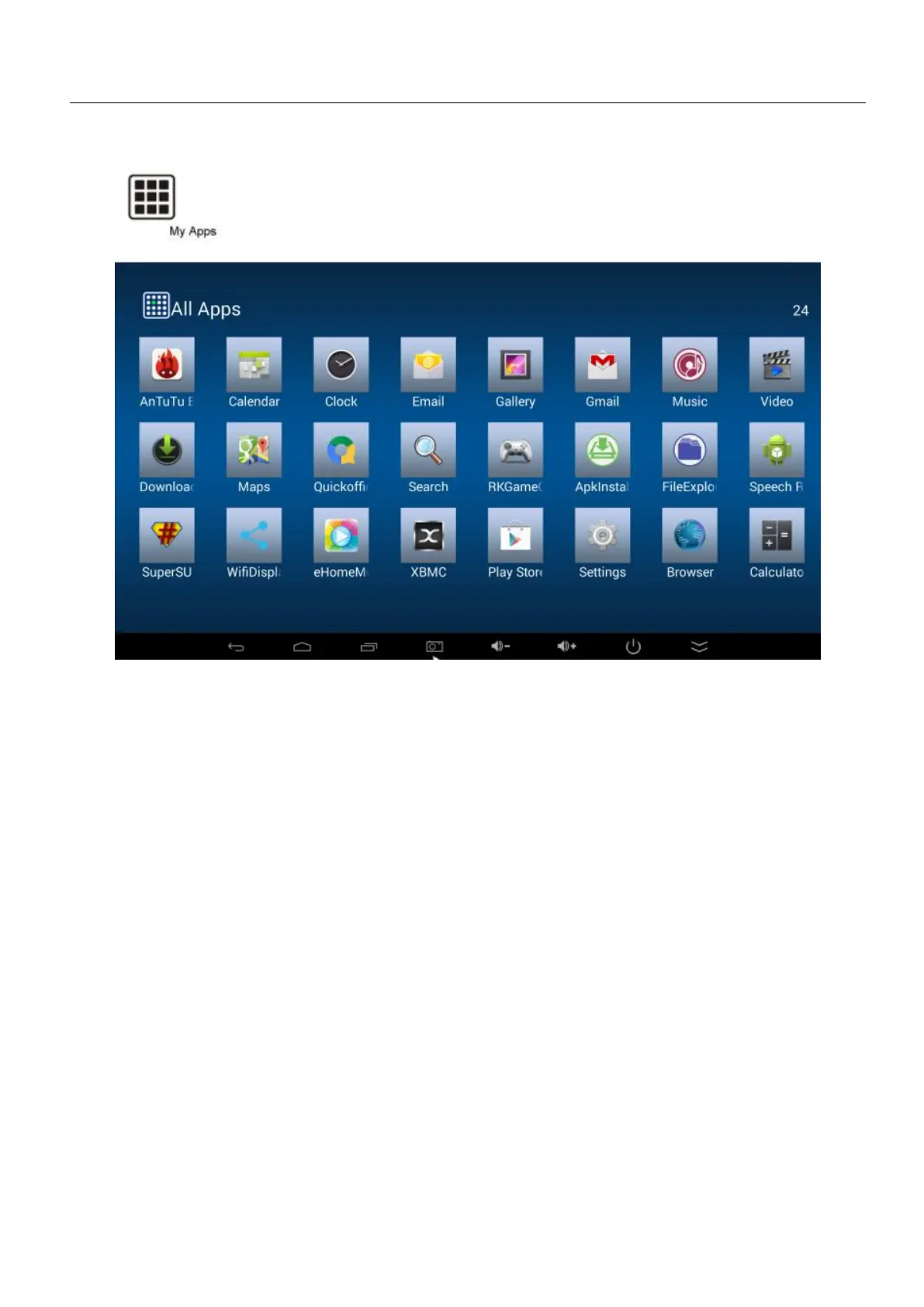
Click to pop up all the installed APP and setup tools icon.
1) If the preloaded APP is beyond the first page, drag the cursor towards right or rolling the
mouse to the second page to find other Apps;
2) If you want, you can use the icon “+” to add the APP shortcut to the desktop.
In the system user can setup according to their own requirements, such as network connection,
language, input methods, Video output resolution, Sound output and check storage space.
Access to setting to pop up below screen.


 To Next Page