RKM MK902S User Manual
Page
7
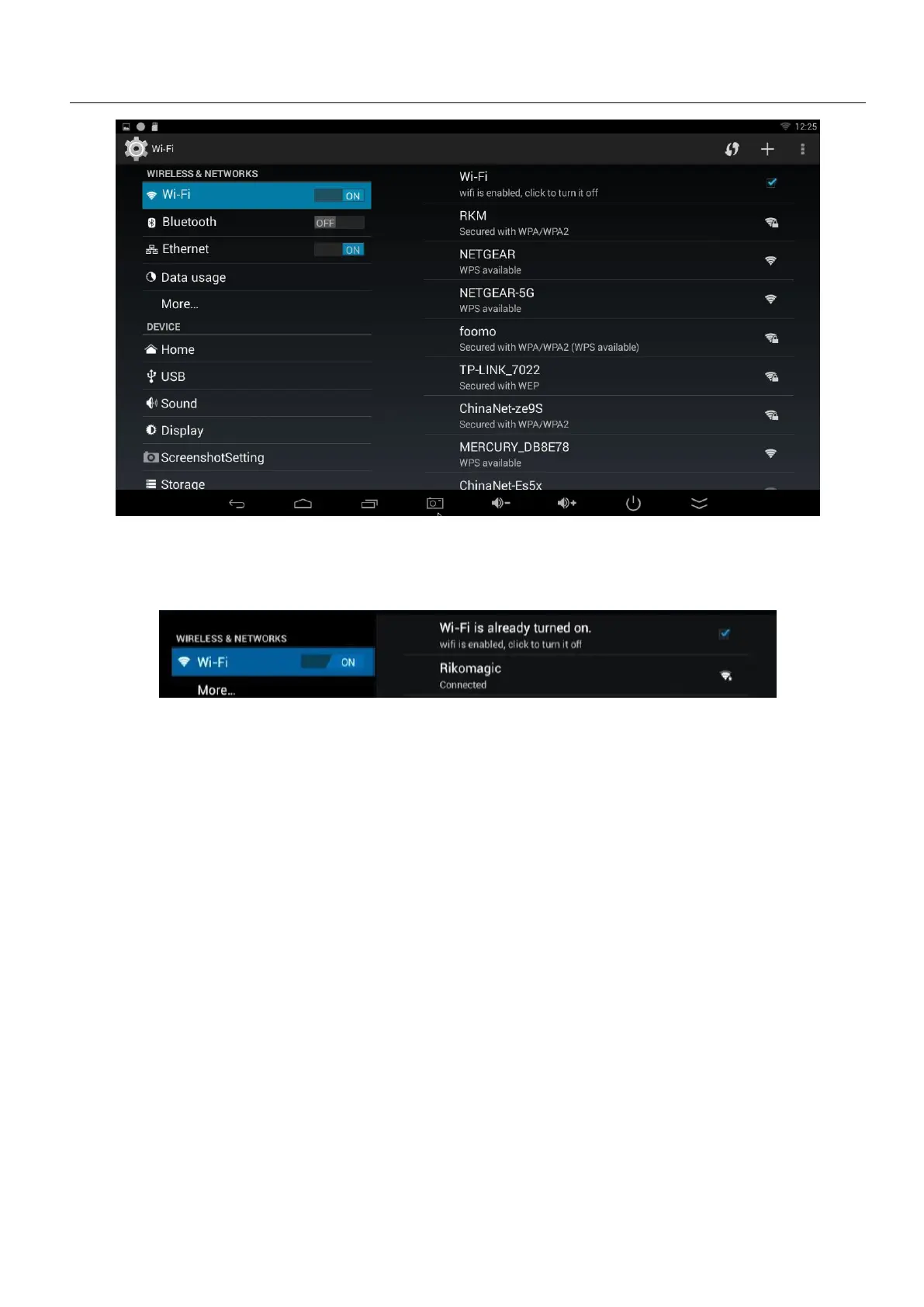
4.1 WIFI Setting
Once turn on WiFi, the MK902S will auto search available wireless router within 20 meters, user
just choose a router and input correct password to connected network.
If there is no WIFI in the house, suggest to connect a USB LAN adapter (please select right
matched USB LAN adapter) to setting Ethernet.
Setting method: Click “setting”
tick “Use Ethernet”, then the Ethernet
If connected the device with Ethernet (not WiFi ), then open portable host pot function, you could
regard MK902S as an wireless AP.
Open Bluetooth settings-->Scan and search equipment>select a device, input Bluetooth wireless
password (if required)-->confirm. Then complete the Bluetooth pairing.


 To Next Page