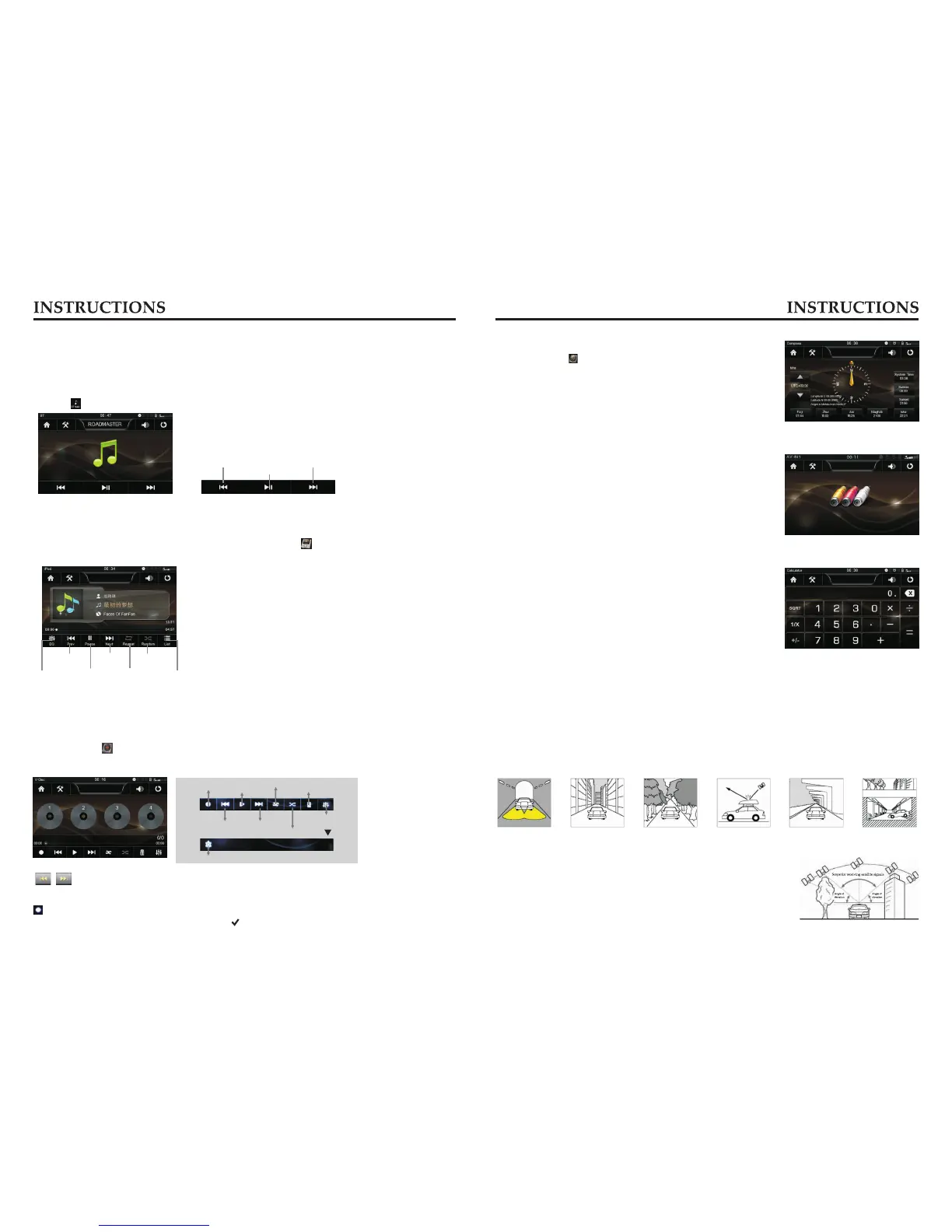
BT music playback
BT player can play music files in cellphone via wireless audio device on condition that the
cellphone supports relevant BT protocol. After BT device gets connected to the unit, audio
system will automatically link with the paired cellphone. In some cases, you need to
enable the playback of audio files by phone keypad due to different phone models.
Touch [ ] icon to enter the Music playback interface.
Previous song
Play/Pause
Next song
i-POD function
Connect the i-POD device first, and then tap the icon 【 】in the main interface to enter
i-POD interface, as is shown below:
Operation
Short press the button to play previous /next song.
Long press the button choose to fast forward/backward playback speed.
Compass
the icon【 】in the main interface to enter the
compass interface.
Click
External input Operation
Connect the video input plug with external video input jack,
and connect the audio input plug with external audio
input jack.
Touch [AV-IN] icon on main interface to access external
input interface.
Calculator
In the main interface touch [Calculator] icon, into the
Calculator interface.
核对对不对?
GPS Navigation Function Operation
1. Navigation Function Operation
For detailed operation of navigation function, see “Navigation Operation Manual”.
2. Receiving signal error
When the satellite signals can be normally received, the error of standard GPS shall be
about 7 meters, Driving on parallel sections,there shall be error even the product has
auto-correct function. The normal receiving of satellite signals shall be affected and cause
error in following environment.
In tune Among tall buildings At the boulevard
The antenna is sheltered
Underground parking
Overpass or viaduct
3. Satellite receiver
Navigation system can keep receiving eight satellite signals.
As a general rule, the navigation system can figure out your
accurate location after received 3-4 satellite signals.
But sometimes, weather and tall buildings in the city shall
affect the signal receiving effect, as is shown in following figure:
1211
Button function introduction
Recording on/off
Play/Pause
Delete
Repeat play
Random play
Sound settings
Setup
Previous song Next song
Recording on / off → Touch the icon to eject the disc to select the menu box, select
the disc you want to record, click the [ ] icon to confirm to start recording.
V-Disc function Operation
You may copy the files in CD to the USB/SD device, and then play the files via the virtual
disc.
Tap the icon 【 】in the main interface to enter the following interface:
Sound settings
Previous song
Play/Pause
Next song
Random play
Repeat play
Back to list directories



 To Next Page