Page 13
move your privacy into the encrypted part; they will be protected by password.
To active ‘Secret Space’:
1. Connect your player to PC
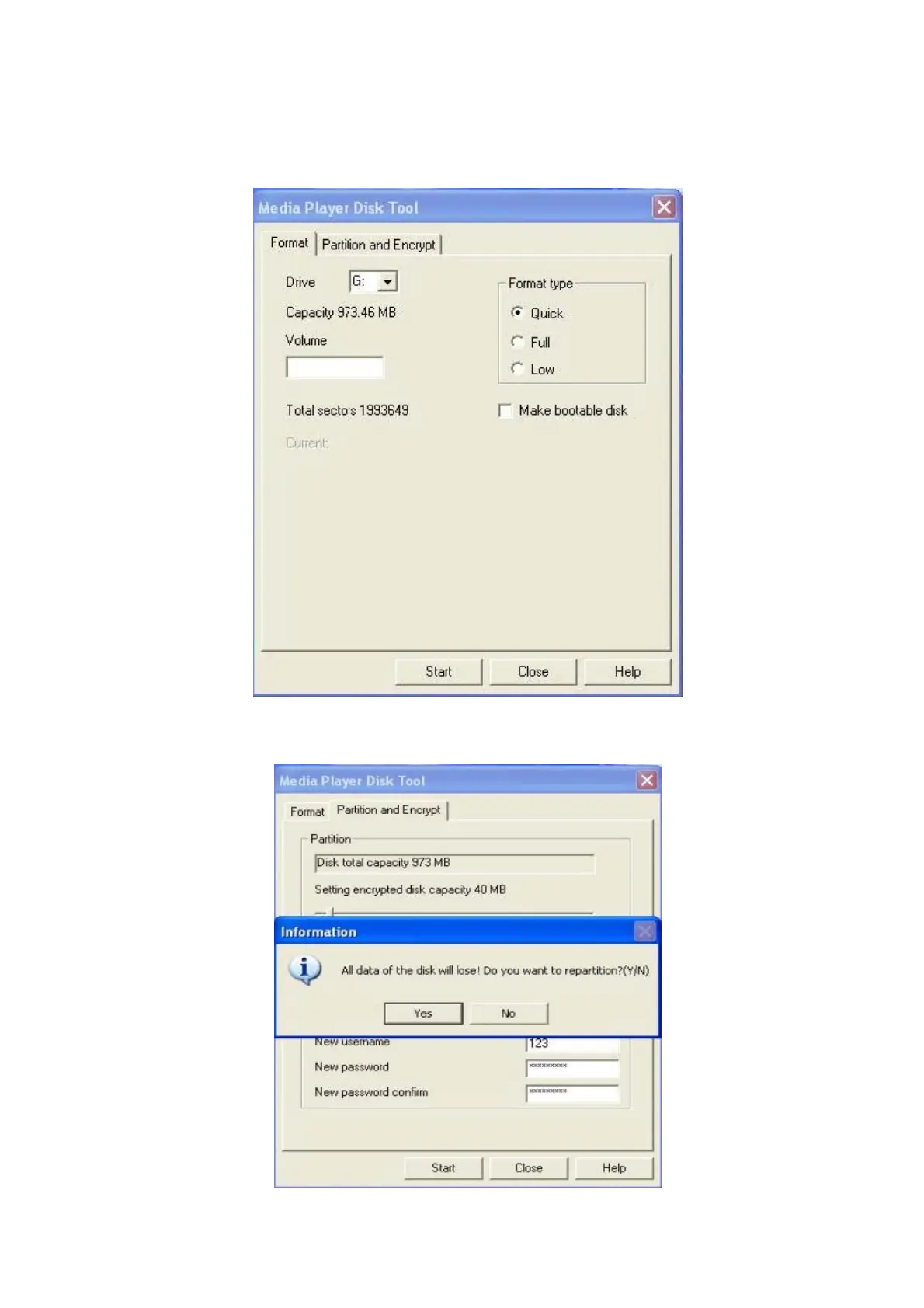
2. Run Media Player Disk Manager which can be found in provided CDROM
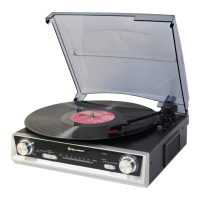
3. Click ‘Partition and Encrypt’ card, Allocate appropriate space and set username and password, and then
click Start.



 To Next Page