Page: 13
ADVANCED USER SETTINGS
User options can be changed to customise the machine.
1) Open the oven door.
2) Press hold button ‘2’ for 5 seconds. "OP:--" is displayed.
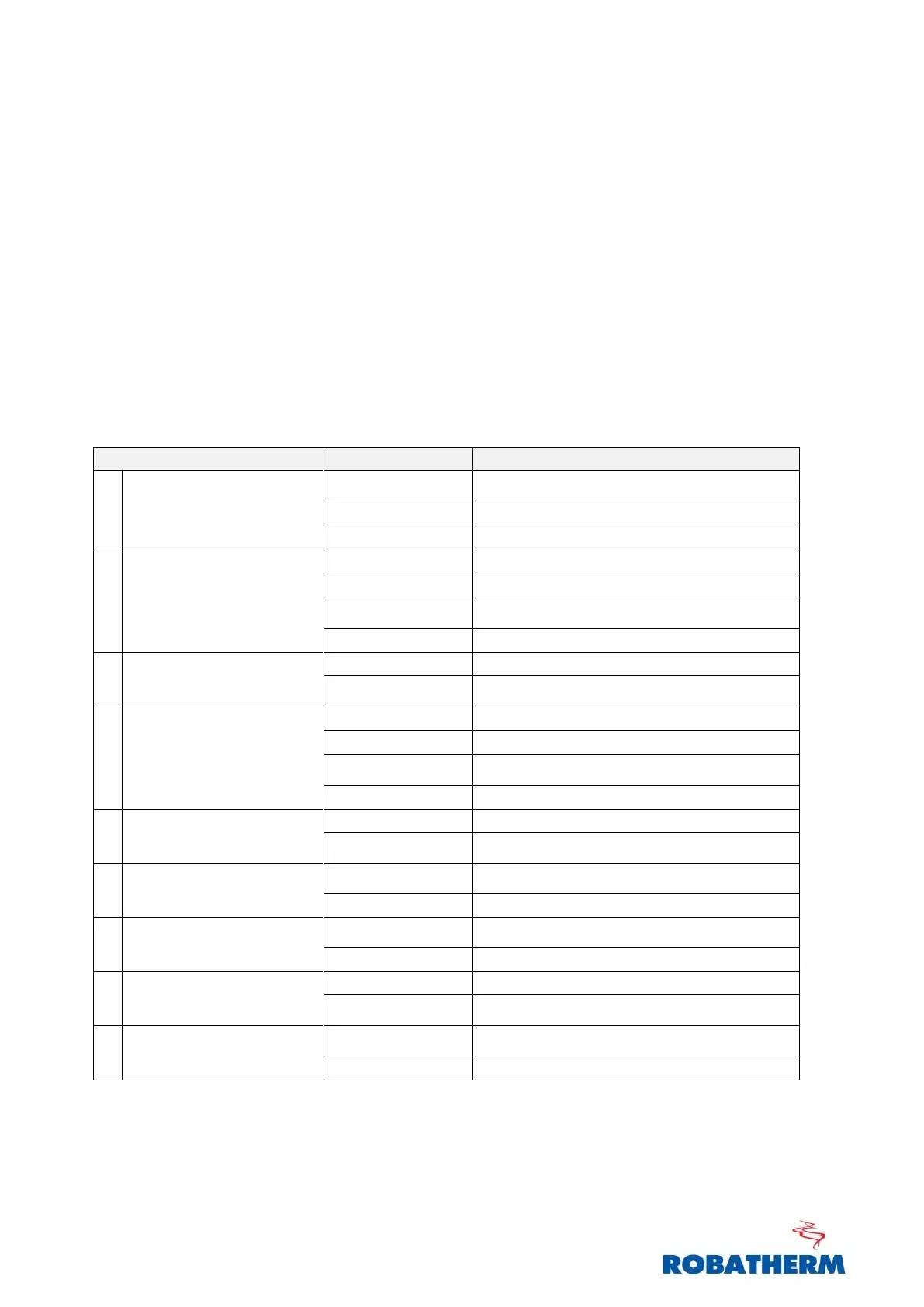
3) Press the first digit of the setting you want to modify (ref table below)
4) Press the first digit again to cycle through the available options.
For example: To set the buzzer volume to medium. Press ‘2’,
"OP:22" is displayed. Each subsequent press of the number ‘2’ will
cycle through the options "OP:21", "OP:22", "OP:23", "OP:20".
5) Press ‘Start’ to save the desired setting.
6) After modifying desired settings, press ‘Stop’ and close the door.
60 Minute Maximum Cook Time
10 Minute Maximum Cook Time
Manual Programming Disabled
Manual Programming Enabled
Single Digit Mode-10 programs
Double Digit Mode-100 programs
Note: Settings in bold are default settings


 To Next Page