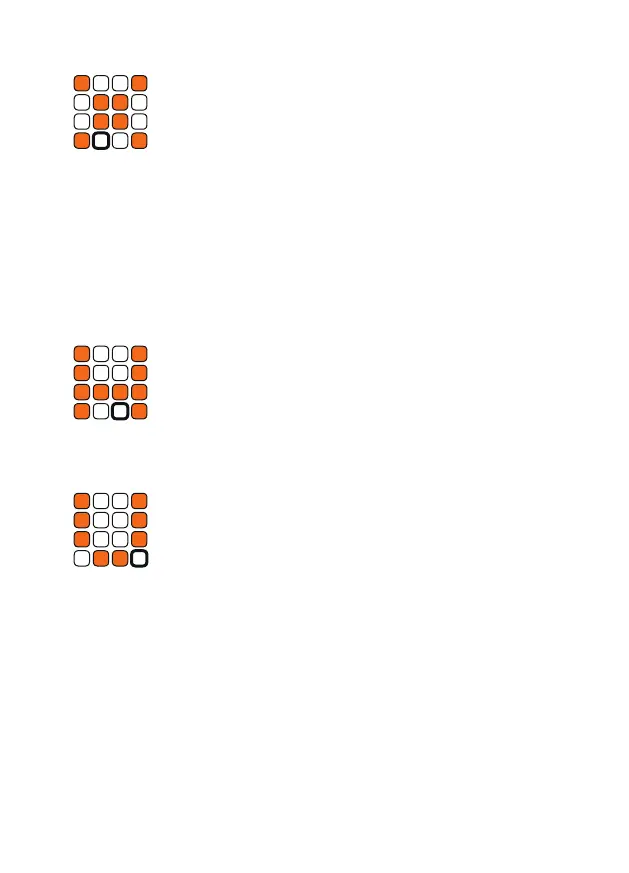
n Delete
Switch to this mode by holding down the t shift button
while pressing the n delete button.
In delete mode you can delete individual tracks as well as patterns from the
current preset. Press on a track or pattern to delete it.
A conrmation prompt appears to make sure you do not accidentally delete
anything. Press one of the white buttons if you really want to delete and one
of the orange ones if you want to cancel. This prompt can be disabled in
the p util mode. Please note that the deletion process only takes place in
Ram memory. You have to o write the preset to save your changes.
o Write
Switch to this mode by holding down the t shift button
while pressing the o write button.
Here you can write all current patterns of the sequencer to the memory so
that the settings are not lost when you switch o your Modular System.
p Util
Switch to this mode by holding down the t shift button
while pressing the p util button.
In Util Mode you can make useful settings for your current setup. The
settings are made globally.
Auto Reset
Use the rst button to choose whether the sequencer should start again
from step one, if there is no clock signal for some time.
Tap Play
Press the second button to set whether your taps sound in real time or
quantized when recording in tap mode. This only applies to tapping, your
steps are recorded quantized.


 To Next Page