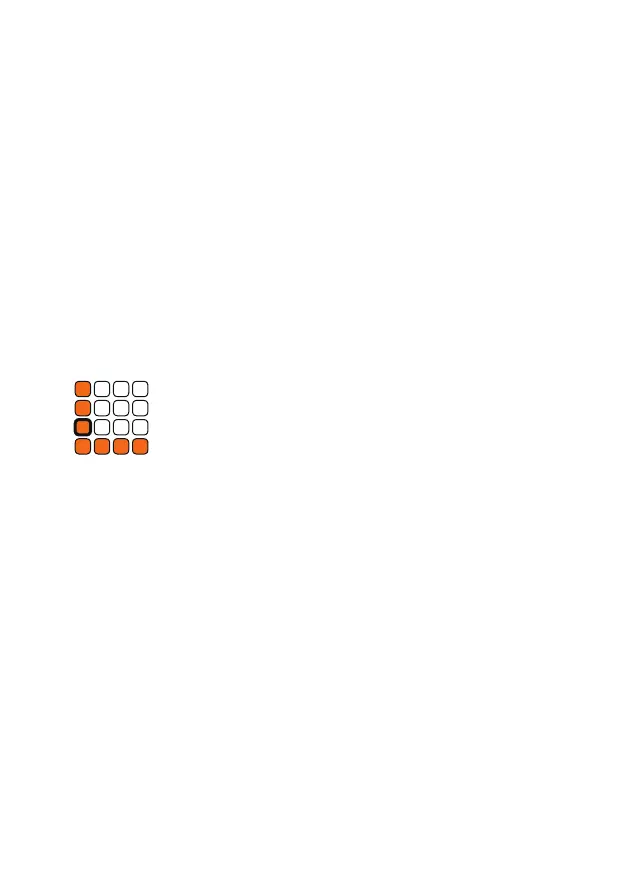
i Length
Switch to this mode by holding down the t shift button
while pressing the i length button.
In this mode, you can set the length of each track individually. Choose a
track by pressing the corresponding button. The orange buttons determine
how many steps a bar should have. Choose between 1-16 steps.
Bar length
With the white buttons 1-4 you determine how many bars a pattern has.
You create a classic 16-step pattern by choosing 16 steps and one bar. To
use the full 64 steps, select 16 steps and four bars. If you extend the bars of
a pattern, the existing bars are automatically copied.
Clock Divider
Use the white buttons 5-8 to set the track‘s individual clock divider from 1
to 4. By default, each track triggers when it reaches a new clock signal. By
setting the clock divider for each track, you can extend your pattern up to 4
times to the master clock. If Length Reset is activated, the individual clock
of the track will be restarted in the rst step of the master clock.
Track Settings
In the third row, you can set the step length, clock divider, the pattern oset,
play direction, step reset, gate type and so on.
i
Length
Set the duration of each track.
j
Oset
Shift your patterns.
k
Direction
Adjust the play direction.
l
Values
Set the parameters of your tracks.


 To Next Page