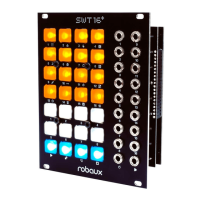
h Perform
Switch to this mode by holding down the t shift button
while pressing the h perform button.
This mode combines many modes into one. Perfect for live situations. Here
you have access to four tracks at once. Each column represents one track.
The screen shows four tracks side by side. Use the fourth row to switch
between tracks 1-4, 5-8, 9-12, and 13-16.
The rst row mutes a track. The second row temporarily replaces the
pattern with continuous triggers.
The third row activates the record mode for the respective track. Tap-mode
is located on the top row where you can play your patterns on the y.
Did you miss a beat? While in record mode, you can delete a track using
the button in the second row.
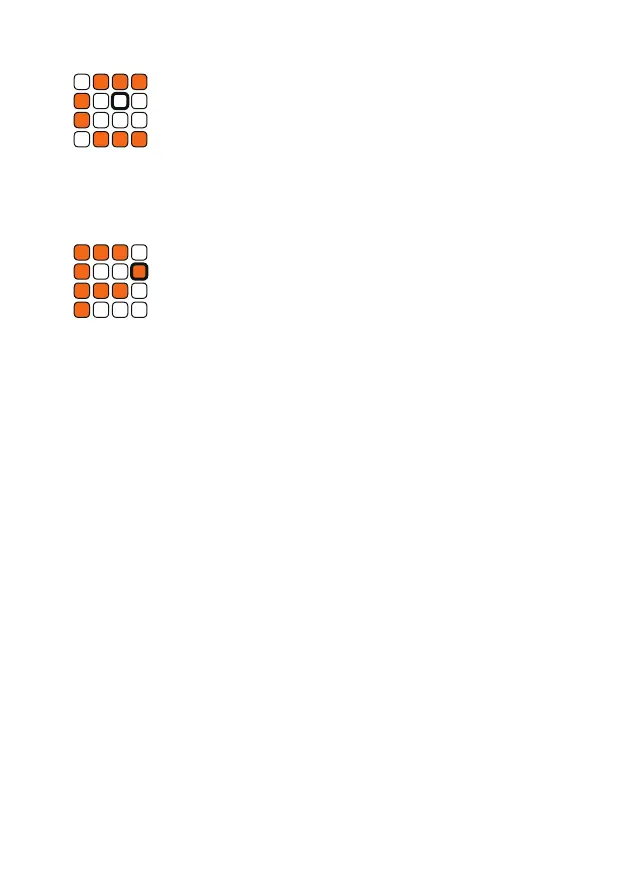
A conrmation prompt appears to make sure you do not accidentally delete
anything. Press one of the white buttons if you really want to delete and one
of the orange ones if you want to cancel. This prompt can be disabled in
the p util mode. Please note that the deletion process only takes place in
Ram memory. You have to o write the preset to save your changes.
To leave record mode, press the third row button.
g Clock Reset
Switch to this mode by holding down the t shift button
while pressing the g clock reset button.
In clock reset mode, you can reset the clock of each track individually. Each
of the 16 keys represents a trigger track. Hold the corresponding button to
reset its clock.


 To Next Page
 Loading...