Performance
In the second row, you can change the patterns temporarily. Here you can
mute the patterns, make lls, reset the tracks or get a combination of many
functions in the Performance Mode. You can also switch between the 8
patterns without using the t shift button.
Select the pattern you want to copy, hold down the r copy button
and press the pattern where you want to copy the data.
e Mute
Switch to this mode by holding down the t shift button
while pressing the e mute button.
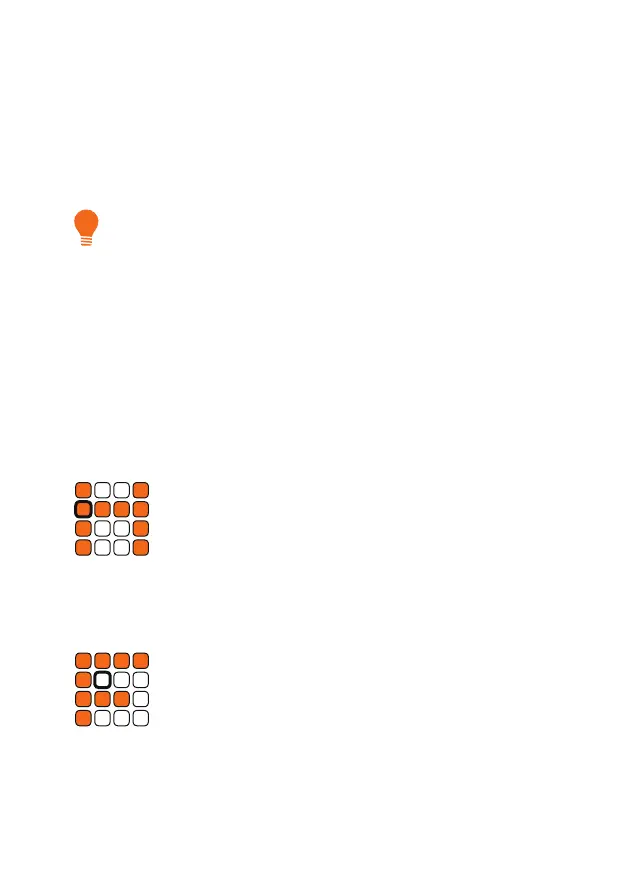
In mute mode, you can mute your tracks and unmute them. Each of the
16 buttons represents a trigger track that can be activated or deactivated
when pressed.
f Fill
Switch to this mode by holding down the t shift button
while pressing the f ll button.
In ll mode, you can add continuous triggers. Each of the 16 keys repre-
sents a trigger track. Hold down the corresponding button to temporarily
replace the current pattern with continuous triggers.
e
Mute
Mute your tracks.
f
Fill
Add lls to your pattern.
g
Clock Reset
Reset your tracks.
h
Perform
Play with your pattern set.


 To Next Page