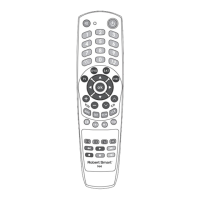
IMPORTANT:
- This remote control cannot increase the number of features of the TV.
For example: if your TV does not have the function
(turn o sound), the
remote control key
will not work.
- Some of the functions of the remote control may not work.
- The symbol and the function of the key may not match.
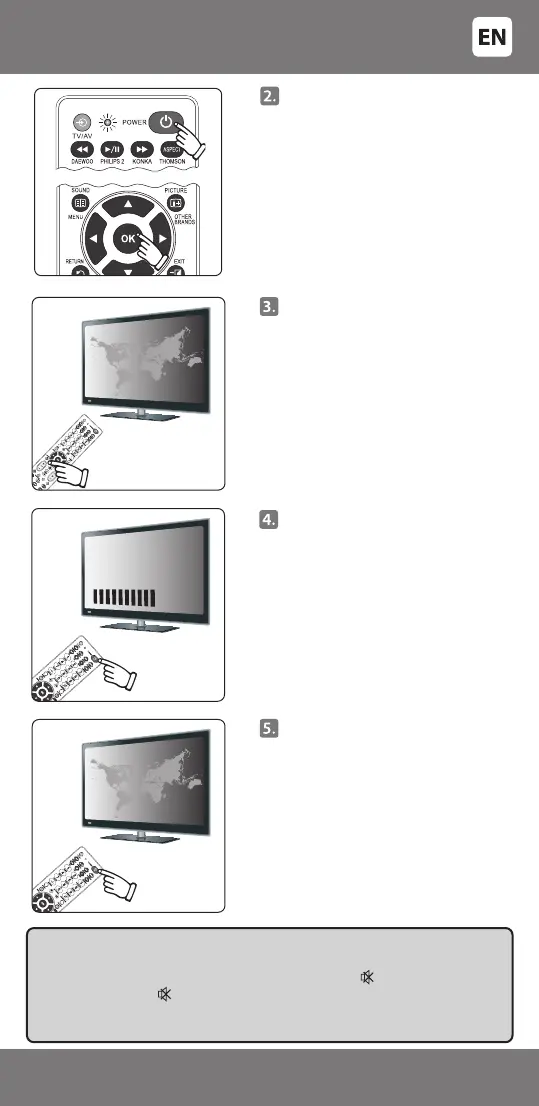
Press the [POWER] key and [OK]
key and release only when the
indicator of the remote will switch
on and shine constantly.
Point the remote towards the
television, repeatedly press and
release the volume setting key [ + ]
As soon as the volume setting
symbol shows on the TV display,
press the [POWER] key, and the
indicator on the remote will go
out.
- VOL +
Point the remote towards the
television and check that the keys
of the remote are working. If some
or all of the main keys do not
work, repeat the steps specied in
points 2-4.
- 7 -
3301048


 To Next Page