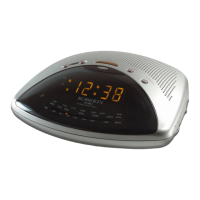
If you need any further advice, please call our Technical Helpline on :-
020 8758 0338 (Mon-Fri)
8
Manual clock setting (only if automatic setting fails)
1. Press the Time button, display will flash .
2. Press the Set button, the hour digits will flash in the display.
3. Press the up or down button to adjust the hours. The LCD clock uses
a 12 hour display with a AM/PM indicators. Please ensure that the
correct 12 hour cycle is selected.
4. Press the Set button, the minute digits will flash in the display.
5. Press the up or down button to adjust the minutes.
6. Press the Time button to complete time setting.
1
2
33
4
5
5
6



 To Next Page